What is the Microsoft 365 Copilot Immersion webinar?
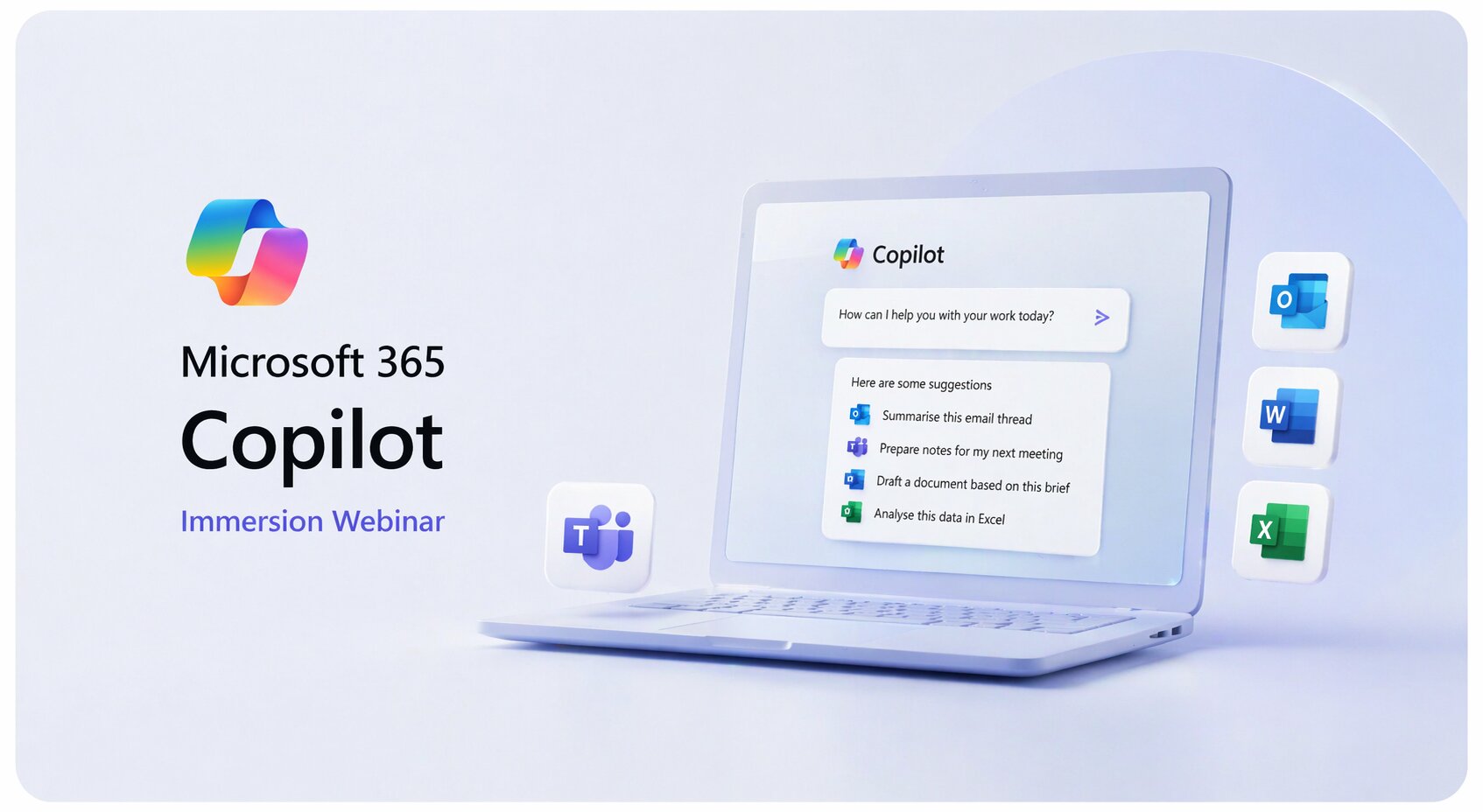
The Microsoft 365 Copilot Immersion is a 90-minute demo-led webinar run by Nexacu that provides a practical introduction to Microsoft 365 Copilot and Copilot Chat. It covers real workplace use cases across Outlook, Teams, Word, and Excel, with a focus on prompting techniques and everyday productivity applications.
Who should attend the Microsoft 365 Copilot Immersion webinar?
This webinar is ideal for business professionals, team leaders, managers, and anyone who uses Microsoft 365 at work and wants to understand how Copilot can support their daily tasks. It suits beginners and decision-makers who want to explore AI capabilities before investing further in Copilot training.
Do I need any prior experience with Microsoft 365 Copilot to attend?
No prior experience with Microsoft 365 Copilot is required. This webinar is designed as an introductory immersion session and assumes no existing knowledge of Copilot. You do need to be a regular Microsoft 365 user to get the most value from the content.
What will I learn in the Microsoft 365 Copilot Immersion webinar?
You will learn what Microsoft 365 Copilot and Copilot Chat are, how to use simple prompting techniques to get better outputs, and how Copilot can help with summarising emails in Outlook, catching up on Teams conversations, drafting and reviewing content in Word, and analysing data in Excel.
How long is the Microsoft 365 Copilot Immersion webinar?
The Microsoft 365 Copilot Immersion webinar runs for 90 minutes. It is delivered online as a live, interactive session with practical demonstrations throughout.
Is the Microsoft 365 Copilot Immersion webinar delivered online?
Yes, this webinar is delivered entirely online. Nexacu's experienced trainers run the session live via video conferencing, allowing you to watch demonstrations, ask questions, and interact throughout the 90-minute session from anywhere.
What Microsoft 365 apps are covered in this Copilot webinar?
The webinar covers Copilot use cases across four key Microsoft 365 apps: Outlook, Teams, Word, and Excel. Demonstrations include summarising emails and drafting responses in Outlook, catching up on conversations and preparing for meetings in Teams, drafting and reviewing documents in Word, and analysing data and generating insights in Excel.
What other Microsoft 365 Copilot training does Nexacu offer?
Beyond this introductory webinar, Nexacu offers a range of Microsoft 365 Copilot training courses including Copilot for M365, Copilot for Outlook and Teams, Copilot for Word, Copilot for Excel, Copilot for PowerPoint, and Copilot for Power BI. These are available as instructor-led courses in remote, face-to-face, and hybrid formats.



 Build Your EQ Power: Practical Skills for Everyday Work