What is the Canva Advanced course?
Canva Advanced is a practical training course for experienced Canva users who want to manage more complex design projects, maintain brand consistency, create reusable templates, bulk-generate content and improve production workflows for digital and print design.
Who should attend Canva Advanced?
This course is suitable for marketers, brand managers, content creators, designers, communications teams, small business owners and workplace users who already use Canva and need to create consistent, high-quality content across larger projects or campaigns.
What are the prerequisites for Canva Advanced?
Intermediate Canva skills are required. We recommend completing the Canva Intermediate course or having equivalent experience with presentations, video, Brand Kit, Canva Magic tools, website prototypes and content sharing.
What will I learn in this Canva Advanced course?
You will learn how to create brand templates, manage multiple Brand Kits, schedule social posts, use Magic Resize, bulk-generate designs, work with apps and integrations, and apply advanced artwork techniques for more efficient creative production.
Does Canva Advanced cover Brand Kits and brand templates?
Yes. The course covers creating and using brand templates, managing multiple Brand Kits, planning time-efficient workflows and building consistent layouts for different types of content.
Will I learn to schedule social media posts in Canva?
Yes. Canva Advanced covers post templates, connecting Instagram and Facebook to Canva, scheduling posts, using the Content Planner and tracking engagement with Canva Analytics where these features are available in your Canva account.
Does this course cover Magic Resize?
Yes. The course covers using Magic Resize to repurpose designs, understand resolution and image size, upscale photographs, resize designs to different proportions, and download files for print or web use.
Will I learn to bulk-generate Canva designs?
Yes. Canva Advanced covers preparing assets for bulk generation, designing templates, connecting data to text and image fields, uploading spreadsheet data, generating multiple posts and refining individual designs within a consistent brand identity.
Does Canva Advanced cover Magic Write and AI tools?
Yes. The course includes using Canva Magic tools to generate and edit images, generate text and support bulk content creation. Feature availability may depend on your Canva plan and account permissions.
Will I learn to use Canva apps and integrations?
Yes. The course covers extending designs with apps, including layout mockup apps, image modification apps, type effects apps, distortion and perspective apps, AI-powered apps, and useful integrations such as Google Drive, Dropbox, YouTube, Google Maps and Mailchimp.
Does the course cover advanced artwork techniques?
Yes. Canva Advanced covers techniques such as using frames with photographs and videos, creating custom frames, stacking elements for 3D depth, applying cut-out and layering effects, and downloading or sharing designs in appropriate formats.
Do I need my own Canva account?
Yes. Nexacu does not provide Canva licences. Please bring your own Canva account or sign up before class. Some advanced Canva features, including Brand Templates, Content Planner, Canva Analytics, Magic Resize, Bulk Generate, apps and integrations, may depend on the Canva plan you use.
What should I learn after Canva Advanced?
After completing Canva Advanced, learners who want to focus more deeply on AI-assisted content creation, automation and faster creative production can continue to Canva AI training where suitable.
Can I attend Canva Advanced online or face-to-face?
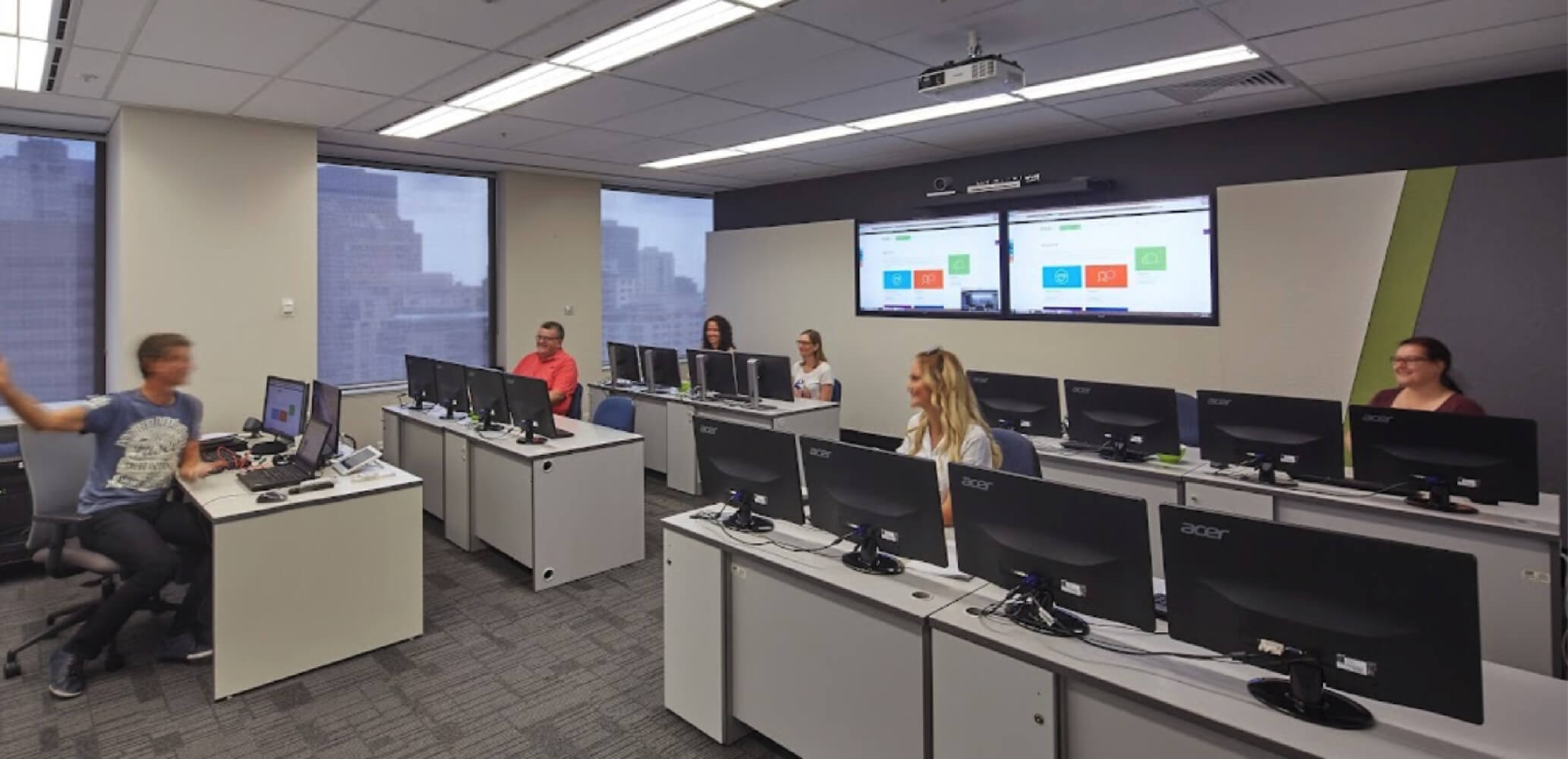
Yes. Canva Advanced is available live online or face-to-face, depending on the current Nexacu schedule. Check the course page for available dates, locations and delivery options before booking.



 Canva Beginners