What is Articulate Storyline 360 Essentials?
Articulate Storyline 360 Essentials is an introductory eLearning course for learners who want to create interactive online training modules without coding. The course covers Storyline projects, slides, timelines, content, interactivity, triggers, variables, audio, video, quizzes and publishing workflows.
Who should attend Articulate Storyline 360 Essentials?
This course is suitable for new eLearning creators, instructional designers, learning designers, trainers, HR teams, educators, compliance teams and business users who need to build interactive digital learning content for workplace training.
Is Articulate Storyline 360 Essentials suitable for beginners?
Yes. This course is designed for learners who are new to Storyline or eLearning authoring. A basic understanding of Windows and familiarity with an application such as PowerPoint or Word is recommended, but no coding experience is required.
What will I learn in this Storyline course?
You will learn how to plan eLearning projects, create Storyline projects, build slides, apply themes, import PowerPoint content, add text, images, characters and media, create interactive elements, use triggers and variables, build quizzes and publish course content.
Does this course cover planning eLearning projects?
Yes. The course includes a primer on eLearning, project planning, budgeting, development phases, scripting, storyboarding and slide design. These topics help learners approach eLearning development with a clearer structure before building content in Storyline.
Can I import PowerPoint content into Storyline?
Yes. The course covers importing content from PowerPoint into Storyline. This is useful for learners who need to convert existing training slides, presentations or classroom materials into interactive online learning modules.
Will I learn to create interactive eLearning content?
Yes. Articulate Storyline 360 Essentials covers buttons, button states, layers, text-entry fields, hotspots, lightbox triggers and conditional triggers. These tools help create learner-driven interactions and more engaging eLearning modules.
Does this course cover triggers and variables?
Yes. The course introduces triggers, conditional triggers and variables. You will learn how to manage variables, reference variables, manipulate variables with triggers and add conditional logic to buttons and audio playback.
Will I learn to add audio, animation and video?
Yes. The course covers voiceover audio, slide audio editing, narration, object timing, animations, video content, video trimming, animated video elements and slide transitions.
Does Storyline Essentials cover quizzes and assessments?
Yes. The course covers multiple-choice questions, matching drag-and-drop interactions, freeform drag-and-drop quizzes and quiz result slides. These skills support basic assessment and knowledge-check activities in eLearning modules.
Will I learn how to publish Storyline content?
Yes. The course includes recording and publishing workflows, including rehearsing scripts, recording videos, editing player properties, reordering slides, editing triggers and publishing course content.
What is the difference between Storyline Essentials and Storyline Advanced?
Storyline Essentials is designed for learners who need to build core eLearning development skills. Articulate Storyline 360 Advanced is better suited to learners who already understand the basics and want to build more advanced interactions, simulations, question banks, variables, triggers and customised learning pathways.
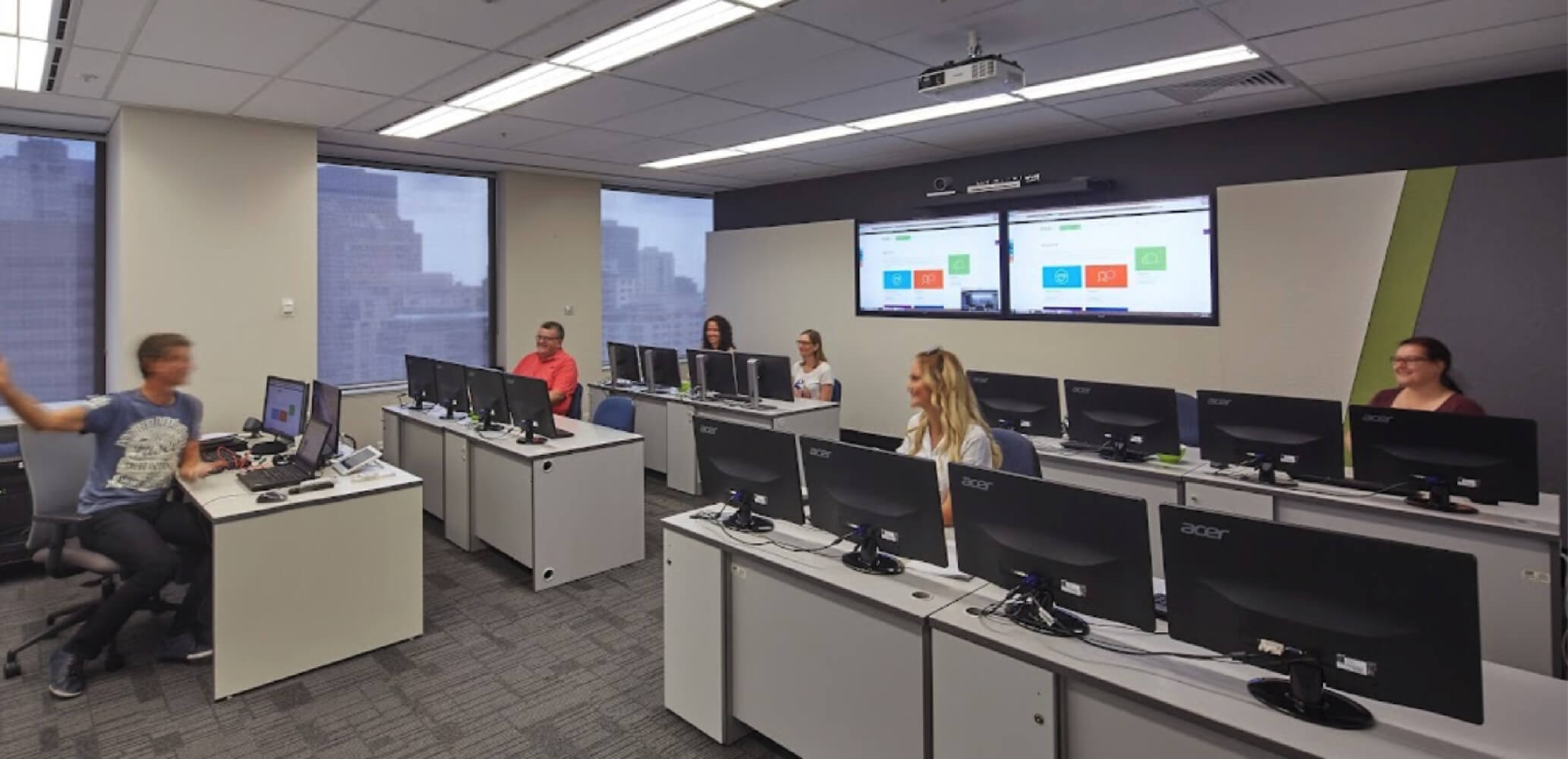
Can I attend Articulate Storyline 360 Essentials online or face-to-face?
Yes. Articulate Storyline 360 Essentials is available live online or face-to-face, depending on the current Nexacu schedule. Check the course page for available dates, locations and delivery options before booking.



 Articulate Storyline 360 Advanced