What is Adobe Premiere Pro Basics?
Adobe Premiere Pro Basics is a one-day beginner video editing course for learners who want to create simple edited videos using Premiere Pro. The course covers the interface, importing assets, organising footage, basic timeline editing, titles, effects, transitions, audio and exporting videos for web, social media and mobile devices.
Who should attend Premiere Pro Basics?
This course is suitable for beginners, content creators, marketers, educators, small business owners, communications teams and workplace users who need to create short videos, social media clips, website videos, interview edits or simple digital content.
Do I need previous Premiere Pro experience?
No prior Premiere Pro experience is required. The course starts with video editing basics, the Premiere Pro interface, project setup, importing assets and simple editing techniques.
What will I learn in this Premiere Pro Basics course?
You will learn how to create and save Premiere Pro projects, import video, audio, Photoshop files, Illustrator files and images, organise footage into bins, place clips on the timeline, trim clips, add titles, apply basic effects and transitions, adjust audio levels and export videos.
Does Premiere Pro Basics cover timeline editing?
Yes. The course covers basic timeline editing techniques, including placing clips onto the timeline, overwrite and insert edits, navigating the timeline, selecting, moving and trimming clips, using the Ripple Edit tool, source patching, adding and removing tracks, and undo and redo.
Will I learn to add titles and graphics?
Yes. Premiere Pro Basics covers creating titles with the Text tool, using basic text parameters, shape tools, gradient fill, text styles and the Essential Graphics panel. These skills help learners add simple titles, logos and graphic elements to video projects.
Does the course cover effects and transitions?
Yes. The course introduces effects, the Effect Controls panel, adjustment layers, basic Lumetri Color workflows, video transitions and audio transitions. You will also learn how to edit transitions and change their default duration.
Will I learn audio basics in Premiere Pro?
Yes. The course introduces audio workflows, including auto-adjusting audio levels in the Essential Sound panel. This helps learners improve basic audio balance in simple video projects.
Does Premiere Pro Basics cover social media video?
Yes. Premiere Pro Basics includes social media standards and exporting workflows for web, social media and mobile devices. The course also introduces Auto Reframe for adapting videos to Instagram and other formats.
Will I learn to export videos from Premiere Pro?
Yes. The course covers exporting videos for web, social media and mobile devices, including using Adobe Media Encoder. These skills help learners prepare finished videos for common digital platforms.
What is the difference between Premiere Pro Basics and Premiere Pro Essentials?
Premiere Pro Basics is a shorter one-day course focused on simple video editing tasks for beginners. Premiere Pro Essentials is a more comprehensive two-day course that covers broader editing workflows, colour correction, audio editing, stabilisation, green screen, speed changes and more advanced project techniques.
Can I attend Premiere Pro Basics online or face-to-face?
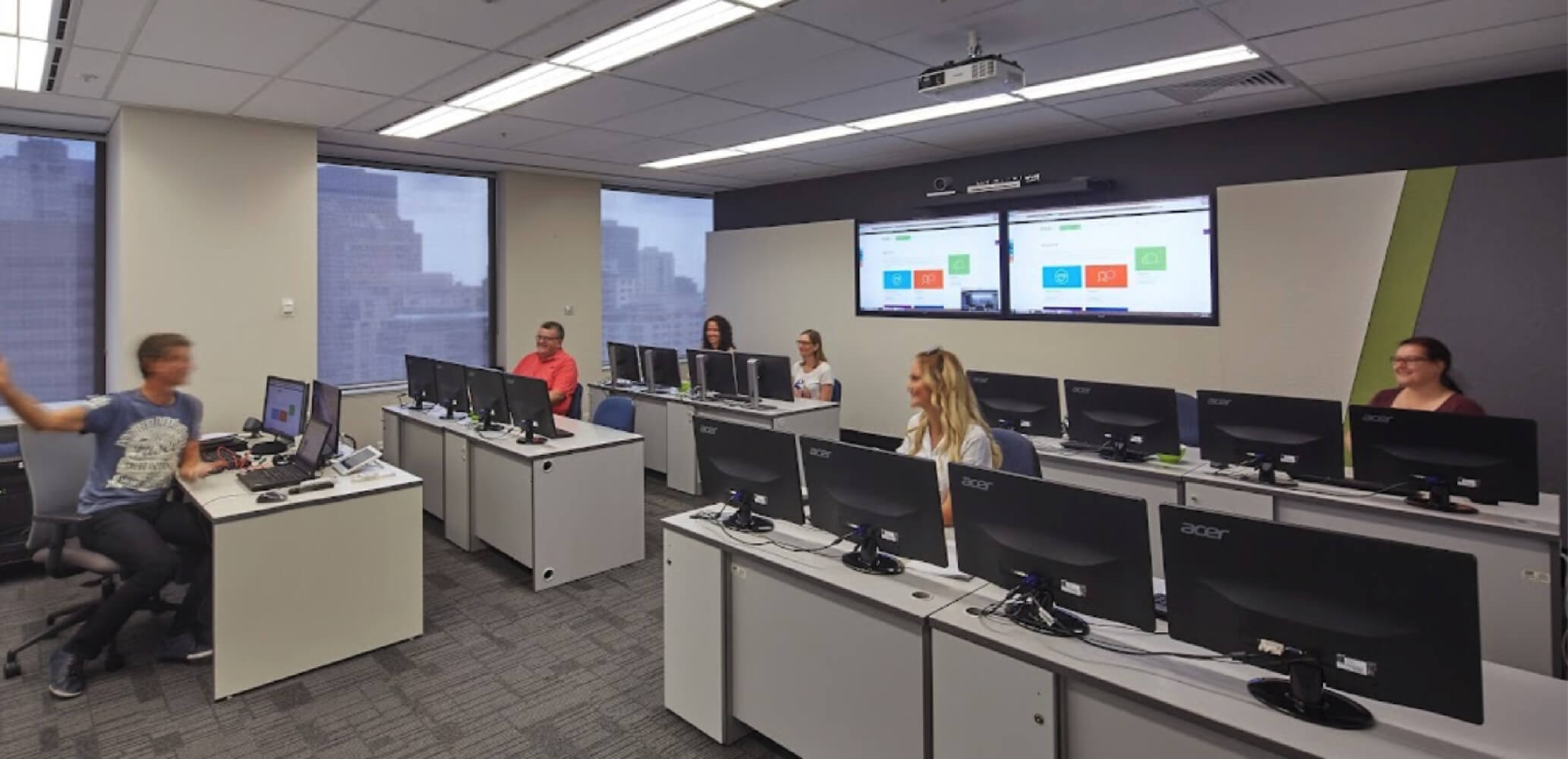
Yes. Adobe Premiere Pro Basics is available live online or face-to-face, depending on the current Nexacu schedule. Check the course page for available dates, locations and delivery options before booking.



 Premiere Pro Essentials
 Video Editing & Special Effects Courses Package