What Adobe After Effects training courses does Nexacu offer?
Nexacu offers Adobe After Effects training for learners who want practical motion graphics, animation and visual effects skills. Course options include After Effects Essentials for beginners and After Effects Advanced for experienced users, depending on the current schedule and available course pages.
Which After Effects course should I choose?
Choose After Effects Essentials if you are new to motion graphics and want to learn compositions, layers, keyframes, masks, effects, text animation and rendering. Choose After Effects Advanced if you already understand the basics and want to build stronger skills in 3D animation, expressions, tracking, masking, compositing, colour correction and project management.
Is Adobe After Effects training suitable for beginners?
Yes. After Effects Essentials is suitable for beginners and self-taught users who are new to motion graphics, animation or visual effects. Basic computer skills and confidence working with media files are recommended, but advanced animation experience is not required.
What will I learn in Adobe After Effects training?
Adobe After Effects training covers practical skills such as working with compositions, layers, keyframes, effects, masks, text animation, motion graphics, visual effects and rendering workflows. Advanced training may also cover 3D animation, expressions, tracking, rotoscoping, particle effects and Cinema 4D workflows.
What is Adobe After Effects used for?
Adobe After Effects is used to create motion graphics, animated titles, visual effects, compositing, infographics, kinetic typography, social media animations, video effects and digital content for marketing, creative and video production projects.
What is the difference between After Effects Essentials and Advanced?
After Effects Essentials focuses on core skills such as interface navigation, compositions, layers, keyframes, effects, masks, text animation, motion tracking, green screen keying and rendering. After Effects Advanced is designed for experienced users who want deeper skills in 3D animation, expressions, character animation, tracking, masking, compositing, colour correction and project management.
Who should attend Adobe After Effects training?
After Effects training is suitable for designers, marketers, video editors, animators, content creators, educators, communications teams and workplace users who need to create animated graphics, title sequences, visual effects, infographics or polished video content.
Is After Effects training useful for social media and marketing content?
Yes. After Effects training is useful for creating animated social media assets, promotional videos, motion branding, title graphics, infographics and digital marketing content. It helps learners build practical animation skills for business and creative projects.
Can I attend Adobe After Effects training online or in person?
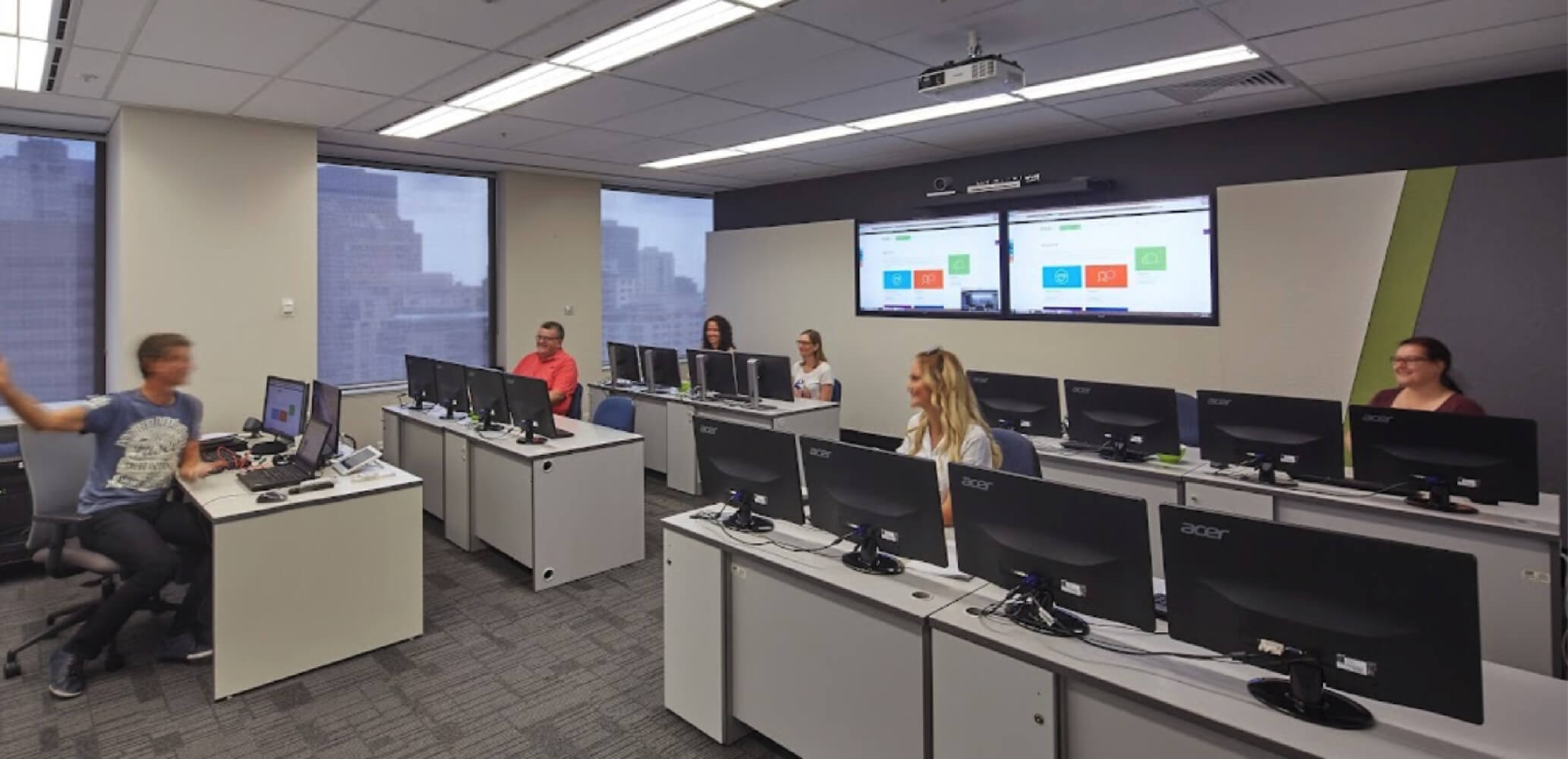
Yes. Adobe After Effects training is available live online and at selected Australian locations, depending on the current Nexacu schedule. Check the relevant course page for available dates, locations, Remote Online options and booking availability before enrolling.
Do I need Adobe After Effects installed before the course?
Software access requirements can vary by delivery mode and course setup. Check the relevant After Effects course page before attending to confirm whether you need your own Adobe After Effects licence, trial access or installed software.
How much does Adobe After Effects training cost?
Adobe After Effects training pricing can vary by course, delivery format and schedule. Visit the relevant After Effects course page for current pricing, duration, inclusions, available dates and booking options.



 After Effects Essentials