What is the Claude AI course?
The Claude AI course is a hands-on, one-day intensive for business professionals who want to move past the chatbot and delegate real work to Claude. You will work through one realistic scenario: the monthly executive report for a fictional company, NorthPoint. Starting with a rough first prompt, you will build towards a governed, repeatable workflow using Projects, Artifacts, Cowork and Skills.
Who should attend the Claude AI course?
Business professionals who want to use AI on real work, including owners and managers, operations, finance and administration teams, marketing and communications staff, analysts, and team leaders. The reporting scenario gives everyone a practical way to learn methods they can apply to their own work. No technical background is required.
Do I need prior experience with Claude or AI?
No. The course starts with how Claude works and builds from there. It suits complete beginners as well as people already using Claude who want better results and more repeatable ways of working.
Do I need to know how to code?
No coding or terminals are required. You will use plain-English instructions to structure prompts, delegate work and define an AI workflow. In the Guided Build Lab, you will write an Agent Spec and use it to guide work in Cowork.
What do I need to take part?
A laptop and a Claude account with access to the features used in the practical exercises, including Projects, file creation and Cowork. Check the current setup requirements with Nexacu before the course. If you use a work-managed account or device, your IT team may need to approve access.
Which Claude plan do I need for the hands-on exercises?
You will need access to Cowork to complete the full hands-on workflow. Plan inclusions, usage limits and organisation settings can change, so confirm the current requirements with Nexacu before purchasing or changing a subscription. Chrome and Microsoft 365 access are not required for the core exercises during the day.
Will I need to bring company data?
No. The core exercises use the fictional company NorthPoint, so you can practise without uploading confidential workplace information. Bring an idea for a real process you own, which you will use when writing your 30-day playbook. Any later use of company data should follow your organisation’s policies and approval requirements.
What will I take away from the course?
A structured RCTF prompt and a configured NorthPoint Project
A draft executive reporting pack, produced in chat and by Cowork
A reusable Monthly Reporting Skill specification
A completed Agent Spec
A 30-day playbook with a named approver and a review date
How will I learn to check Claude’s output?
You will learn why Claude can be confidently wrong and how to check its answers against source material. In the NorthPoint exercises, you will distinguish manager commentary from data, test four claims and label each one supported, unsupported or unclear. You will also build a verification checklist for your reporting pack.
What is Cowork, and will we use it on the day?
Cowork is the part of the course where you move from asking questions to delegating a whole job. You will provide a goal, folder and brief, then read the proposed plan, correct it, approve it and supervise the work. The practical exercise involves delegating the NorthPoint monthly report and verifying one claim in the output.
Will I build a Skill or an AI agent?
You will package the NorthPoint reporting method as a repeatable Skill and run it twice. You will also write an Agent Spec covering a goal, knowledge, tools, method, guardrails and supervision, then use it in the Guided Build Lab in Cowork. The focus is on a clear, supervised workflow you can test and improve.
Does the course cover Claude in Chrome and Microsoft 365?
These topics are included in Beyond the Day, the self-paced follow-up, rather than the core hands-on exercises during the day. Follow-up topics also include MCP and Connectors, Advanced Skills, Advanced Cowork and Scheduled Tasks, Claude Design, Claude Code, and additional Build Lab projects.
Is our company data used to train the AI?
The answer depends on the product, account settings and terms that apply to your organisation. Before using company data, check the current data-use and retention terms with your IT or privacy team. The course covers data handling, vendor dependency and practical governance, including named owners, approval points, draft-first output and review dates.
Will I receive a certificate?
You will receive a Nexacu certificate of completion, which you can download from your student portal. This course does not lead to an Anthropic certification.
How long does it take to learn Claude?
This one-day course gives you practical experience in structured prompting, creating a reporting pack, checking claims and delegating work to Cowork. Your 30-day playbook helps you apply those methods to a real process and turn them into working habits over the following month.
Is the Claude AI course available online or face-to-face?
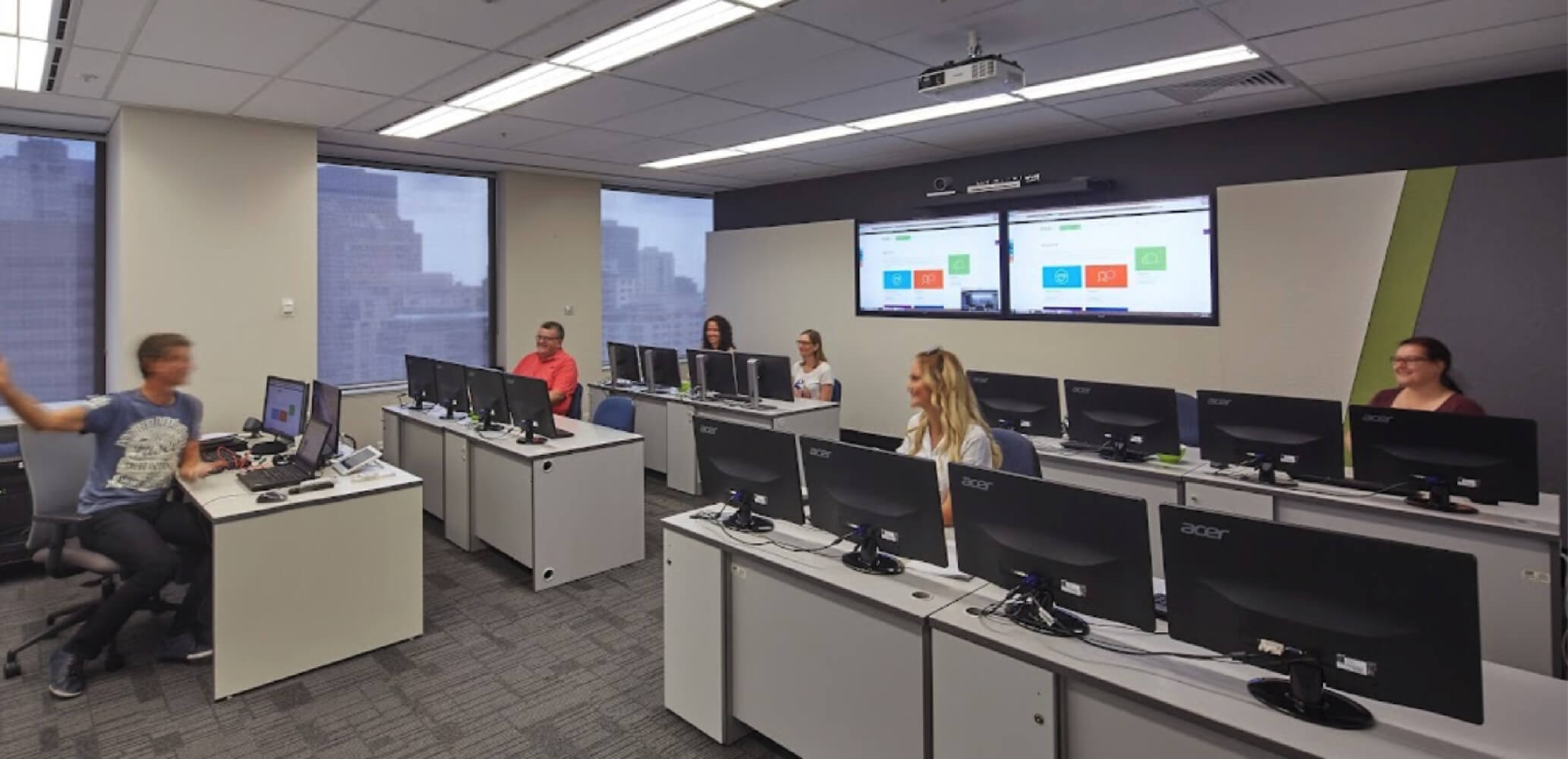
Both, depending on the current schedule. Live online training is instructor-led and interactive. Face-to-face classes are available at Nexacu training locations. Check the course schedule for current dates and delivery options.
Can my team book private or on-site Claude training?
Yes. Nexacu offers private group and on-site training. Contact us to discuss your team’s needs, delivery options and how the course could be tailored to your organisation’s processes and use cases.
Which course should I take next?
For more on prompting, explore AI Prompting Fundamentals. For organisation-wide adoption, consider AI for Business Leaders and Managers. Copilot for Microsoft 365 complements work in Microsoft applications, while AI Governance Training focuses on responsible adoption and oversight.




 ChatGPT Beginner