What is Microsoft 365?
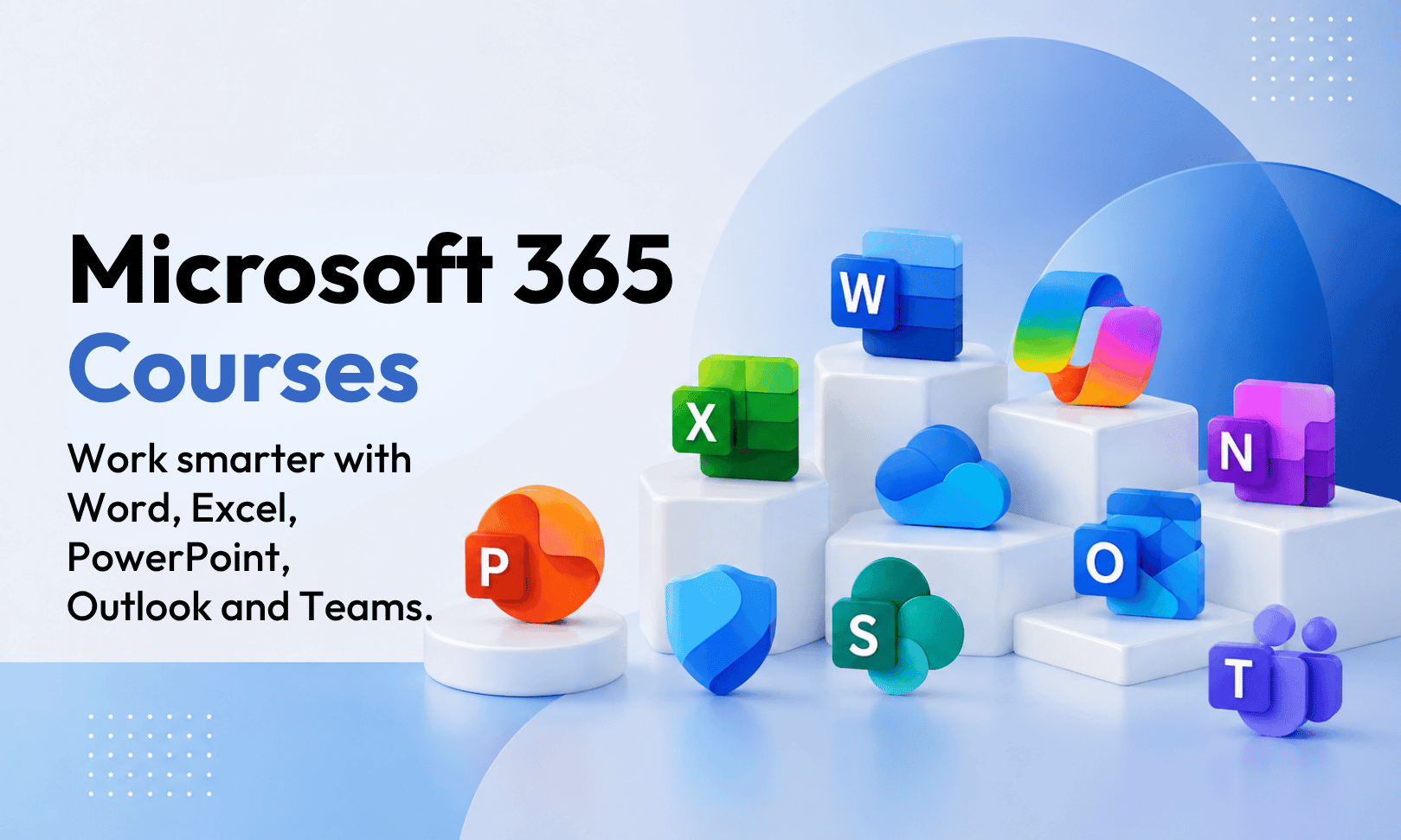
Microsoft 365 is Microsoft’s cloud-based productivity and collaboration platform. It includes familiar Office apps such as Excel, Word and PowerPoint, along with tools for communication, file sharing and teamwork, including Teams, Planner, SharePoint Online, Power Automate, OneDrive, Forms and Copilot.
Who should attend Microsoft 365 training?
Microsoft 365 training is suitable for professionals, teams, managers, administrators and business users who want to work more efficiently across Microsoft 365 apps. It is useful for staff who need stronger skills in communication, collaboration, file management, document sharing and workplace productivity.
What will I learn in Microsoft 365 Essentials?
The Microsoft 365 Essentials course covers practical workplace skills across Microsoft Teams, Planner, SharePoint, Forms, Office Online, cloud file storage, collaboration tools and AI with Copilot. Training focuses on helping users work more effectively across connected Microsoft 365 apps.
Is Microsoft 365 training suitable for beginners?
Yes. Microsoft 365 Essentials is suitable for users who are new to Microsoft 365 or want a clearer understanding of how the main apps work together. The course focuses on practical end-user skills rather than advanced technical administration.
Can I complete Microsoft 365 training online?
Yes. Microsoft 365 training can be attended in class or live online via Remote East and Remote West. Remote participants can ask questions, join discussions and interact with the trainer during the course. To attend remotely, select Remote East or Remote West when booking.
Will the Microsoft 365 Essentials course be relevant to the workplace?
Yes. Microsoft 365 Essentials is designed for practical workplace use. The course helps users improve communication, collaboration, file management, information sharing and productivity across Microsoft 365 apps.
What is the difference between Microsoft 365 and Office 365?
Microsoft 365 is the current Microsoft productivity platform that includes many tools previously associated with Office 365. It includes core apps such as Excel, Word and PowerPoint, plus cloud-based collaboration tools such as Teams, OneDrive, Planner, Forms, SharePoint Online, Power Automate and Copilot.
Does Microsoft 365 training cover Teams and SharePoint?
Yes. Microsoft 365 training introduces connected tools including Microsoft Teams and SharePoint. Users learn how Microsoft 365 apps work together to support team communication, document sharing, file storage, collaboration and workplace productivity.
Does Microsoft 365 training include Copilot?
The Microsoft 365 Essentials course includes AI with Copilot as part of the broader Microsoft 365 training experience. This helps users understand how Copilot can support productivity, communication and everyday work across Microsoft 365 apps.
What is remote Microsoft 365 training?
Remote Microsoft 365 training is live online instructor-led training delivered through video conferencing. Participants can ask questions, join discussions and receive trainer support during the course, providing a similar interactive learning experience to classroom training.
Can Microsoft 365 training help improve workplace productivity?
Yes. Microsoft 365 training helps users understand how to use connected apps more effectively for communication, collaboration, file management, task planning and information sharing. These skills can support better day-to-day productivity across teams and organisations.



 Microsoft 365 Essentials