AI agents · Practical workplace skills
Learn what AI agents do, how they differ from chatbots and automation, and how to test them on everyday work with clear instructions and human oversight.
Updated 2 November 2026 · Practical guide for business professionals
You may already use AI to rewrite an email, summarise a document or suggest an Excel formula. In these situations, you ask a question, receive a response and decide what to do next.
But what if you could delegate a larger piece of work?
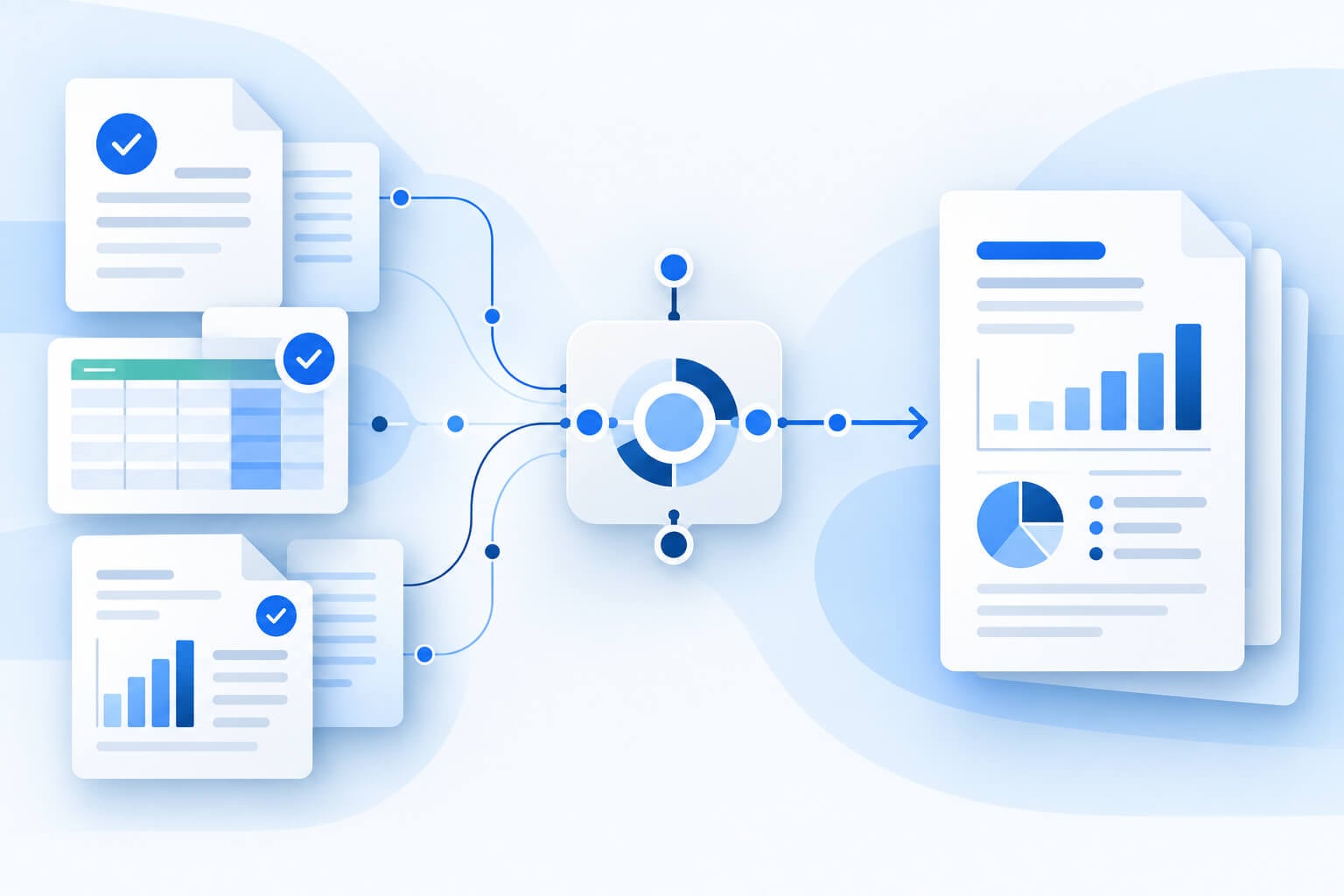
Instead of asking AI to explain how to prepare a report, you could ask it to review approved files, compare the figures, create a draft and flag anything that needs checking.
This is where AI agents enter the conversation.
The term can sound technical, but the practical questions are straightforward: what can an agent do, what information does it need, and how do you know whether its work is correct?
This guide explains the basics, explores everyday examples and shows you how to test an agent on a manageable workplace task.
What is an AI agent?
An AI agent is a software system that uses AI to work towards a goal, choosing steps and using available tools along the way.
Those tools might allow it to search documents, run calculations or create files. Its actual capabilities depend on the product, its configuration and the permissions it has been given.
Consider a request to prepare a monthly project update. An agent might locate the relevant documents, extract milestones, compare progress against a plan and produce a draft summary. If information is missing, it may need to ask for clarification.
Definitions vary between providers. Anthropic draws a useful distinction: workflows follow predefined paths, while agents can direct their own processes and tool use. Anthropic’s explanation of agents and workflows
An agent is still software. It can misunderstand a task, choose an unsuitable approach or produce an incorrect answer.
AI agents, chatbots and automation: what is the difference?
These categories overlap. A chat interface can provide access to an agent, and an automated process can include AI.
The useful distinction is how the work gets done.
| Approach | How it usually works | Workplace example |
|---|---|---|
| AI chat | You guide the work through a conversation. | Ask for a clearer version of a paragraph, then request changes. |
| Rules-based automation | A trigger starts a predefined sequence. | Save an incoming attachment to a specified folder. |
| AI agent | The system chooses steps towards a goal using permitted tools. | Review several project files and prepare a draft progress report. |
More autonomy does not automatically make a tool more suitable.
If your task follows the same reliable steps every time, a conventional automation may be sufficient. If you need a quick explanation or a second opinion, a chat may be enough.
Anthropic recommends starting with the simplest approach that works, noting that agentic systems can increase cost and latency. Guidance on choosing an approach
Why are AI agents receiving attention?
Work rarely consists of one isolated question. Preparing a presentation, reviewing a campaign or producing a management report usually involves several connected steps.
AI agents are receiving attention because they offer a way to delegate more of that sequence.
Microsoft’s 2026 Work Trend Index explores this shift towards working with agents and the continuing importance of human direction. It provides context for the growing workplace discussion, rather than a guarantee that every organisation will benefit in the same way. Microsoft’s 2026 Work Trend Index
For an individual employee, the opportunity is practical: identify a time-consuming task, define a useful output and test whether AI can help produce it.
The result should be judged by the quality of the completed work, including the time required to check and correct it.
Five workplace tasks worth exploring
The following examples are suggested pilot activities. They are not promises that every AI product can complete them. Check your tool’s capabilities and your organisation’s requirements before starting.
1. Prepare a weekly project update
A project coordinator could provide an approved task tracker, meeting notes and the previous week’s update.
The requested output might include completed milestones, upcoming deadlines and unresolved issues.
The critical instruction is to distinguish between recorded facts and assumptions. If meeting notes describe a task as “nearly finished” but the tracker still shows it as incomplete, the draft should flag the difference.
It should not quietly mark the task as complete.
2. Create a first draft of a campaign report
A marketer could ask an agent to organise an approved campaign export into a summary of spend, clicks and enquiries.
Before starting, define the reporting period and what each measure means. An enquiry count is not necessarily the same as a qualified lead count, and advertising platform conversions may differ from CRM records.
Ask for calculations and source references alongside the narrative. A polished explanation is only useful if the underlying figures support it.
3. Compare versions of a document
An operations team could use an agent to compare two versions of an internal procedure and draft a change summary.
The brief might ask it to identify changed responsibilities, revised dates and removed steps.
A reviewer should still compare the findings with the originals, particularly where a small wording change affects how people perform a task.
4. Organise research into a briefing
An employee could ask an agent to prepare a briefing from a defined collection of approved sources.
Specify the question, the intended reader and the required evidence. Ask it to separate established facts from suggestions and unresolved questions.
If web research is involved, require links and publication dates so the reader can check the source and its relevance.
5. Draft an onboarding checklist
A team leader could provide an approved role description and onboarding guide, then request a checklist for a new employee.
The draft could group activities by the first day, first week and first month.
Any missing owner, access requirement or training date should remain clearly marked for review. The agent should not invent internal procedures to make the checklist appear complete.
How to choose your first task
Start with a task whose output you already understand.
You will find it easier to assess an AI-generated project update if you regularly prepare project updates yourself. Starting with unfamiliar work makes it harder to recognise subtle errors.
A manageable first task should have:
- A clear output, such as a one-page summary or a draft checklist.
- A small, approved set of source material.
- A reviewer who understands what good work looks like.
- An easy way to correct mistakes.
- A clear stopping point before anything is published, sent or applied.
For example, preparing a draft customer email is easier to supervise than allowing an agent to send messages automatically.
Use synthetic or non-sensitive practice material when learning. Introduce workplace information only through tools and processes your organisation has approved.
Write a brief that makes the task clear
A useful agent brief explains more than the topic. It describes what the finished work should contain and how the agent should handle uncertainty.
Here is a sample brief for a practice exercise:
Sample practice brief
Prepare a draft weekly project update using the three approved files in the practice folder.
The audience is the operations manager. Keep the update under 500 words and use Australian English.
Include completed milestones, upcoming deadlines, recorded risks and decisions needed.
Use only the supplied files. Reference the source for each milestone and deadline. If sources disagree, show the disagreement rather than choosing an answer.
Do not invent owners, dates or task statuses. Mark missing information as “Needs confirmation”.
Save the result as a new draft. Do not change the original files or send the update.
Before starting, explain your proposed steps and identify any missing information.
Adapt this example to your tool and process. It is a suggested brief, not a tested instruction that guarantees a particular result.
Written instructions also do not replace technical access controls. Configure permissions and approval steps in the product where available.
Check the work before you use it
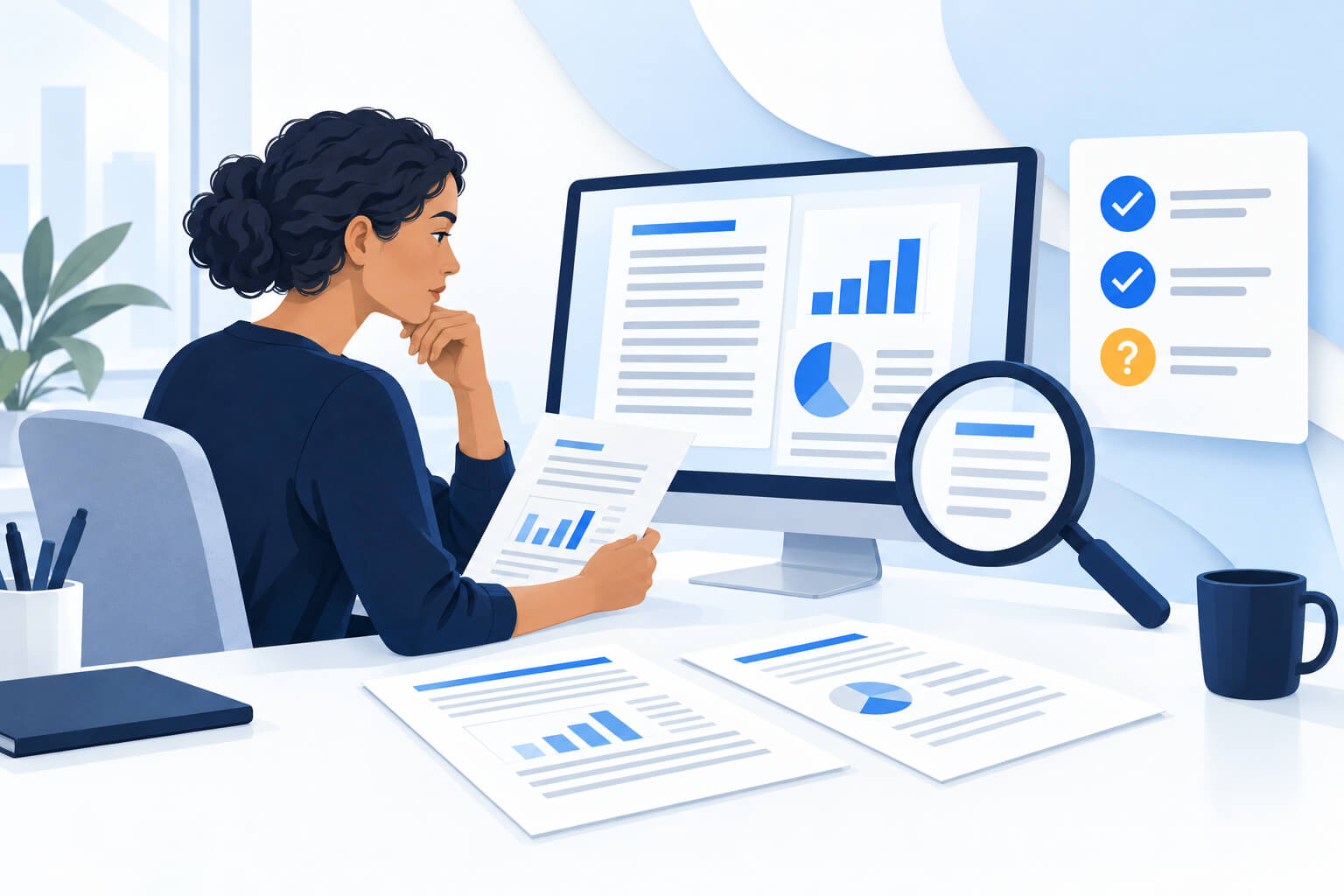
Reviewing an agent’s output involves more than proofreading.
Start with the facts. Check names, dates, figures and statements against the original material. Where the output includes calculations, reproduce the important ones independently.
Next, examine the reasoning. A report might correctly identify that sales fell but incorrectly attribute the fall to a particular campaign. The numerical observation and its proposed explanation require separate checks.
Then confirm that the agent completed the requested scope. Did it include every supplied file? Did it use the correct reporting period? Did it flag missing information?
Finally, inspect the deliverable itself. Open the spreadsheet, document or presentation and check that it is usable.
A message saying “completed” is not enough. The saved output is what matters.
Measure whether it actually saves time
Fast generation can feel productive, but it is only part of the process.
For a small pilot, record the time spent preparing the brief, supervising the work, reviewing the output and making corrections.
Consider this hypothetical example:
| Activity | Manual process | AI-assisted process |
|---|---|---|
| Prepare information and instructions | 10 minutes | 15 minutes |
| Produce the draft | 45 minutes | 10 minutes |
| Review and correct | 15 minutes | 20 minutes |
| Total | 70 minutes | 45 minutes |
In this illustration, the AI-assisted process saves 25 minutes, approximately 36% of the original completion time.
These figures are an example, not a performance claim or Nexacu benchmark.
Also distinguish elapsed time from hands-on effort. If an agent runs while you do other work, track both measures consistently.
Repeat the comparison across several tasks. Record errors and rework as well as time. A faster draft is valuable only if the final output meets the required standard.
Common mistakes to avoid
Starting with a vague goal. “Improve our reporting” leaves too many decisions unresolved. “Draft a one-page summary from these two approved exports” gives you something concrete to assess.
Providing too much unrelated information. Begin with the material needed for the task. Add context when it helps resolve a specific gap.
Treating confidence as evidence. Clear language and professional formatting do not prove that a statement is correct.
Expanding access too early. Test a narrow task before connecting additional folders, systems or actions.
Assuming one successful run proves reliability. Try incomplete inputs, conflicting information and different reporting periods. These tests help reveal where supervision is needed.
Do you need coding skills to get started?
Not always. Some products let business users delegate tasks through plain-English instructions and built-in tools.
However, setting up a supervised personal workflow is different from deploying an organisation-wide system. Connecting business applications, managing permissions and operating reliably at scale may require technical support.
For beginners, a useful starting skill is learning to describe work clearly: define the output, supply suitable information, set boundaries and check the result.
Build practical AI skills with Nexacu
If you want guided practice, Nexacu’s one-day Claude AI course covers structured prompting, creating and checking deliverables, and supervised task delegation.
The course uses a fictional business scenario so participants can practise without bringing confidential company data. Activities include developing a repeatable reporting method and writing an agent specification.
Explore the Claude AI course for the current outline, setup requirements and available dates.
Frequently asked questions
Is an AI agent the same as a chatbot?
Not necessarily. A chatbot describes a conversational interface. An agent describes a system that can choose steps and use tools towards a goal. One product can offer both.
Can AI agents work without supervision?
Some systems support autonomous actions, but the appropriate level of supervision depends on the task, permissions and consequences of an error. For a first workplace pilot, choose a draft output that a person reviews.
What is a good first task for an AI agent?
Choose a small task with clear source material and an output you can check, such as drafting a project update from approved practice files.
How do you know whether an agent is useful?
Compare the final quality, total effort and correction time with your existing process. Repeat the test across several examples before deciding whether to make it part of your routine.