What is Power BI Copilot?
Power BI Copilot is an AI-powered assistant built into Power BI Desktop and the Power BI Service. It helps users create report content, summarise insights, explain trends, and explore data using natural language prompts.
What do you learn in Power BI Copilot training?
This Power BI Copilot training course teaches intermediate users how to use Copilot accurately, responsibly, and effectively in real-world reporting. You will learn how Copilot works in Power BI, how to prepare semantic models, improve grounding, generate useful outputs, validate responses, and apply governance for trusted AI-driven analytics.
Who should take Power BI Copilot training?
This course is designed for intermediate Power BI users, including report authors, data analysts, business analysts, and BI or analytics leads. It is best suited to teams that want to adopt Copilot in Power BI while maintaining accuracy, trust, and governance.
Do I need Power BI experience before taking this course?
Yes. You should already have hands-on experience with Power BI Desktop, including data models, measures, basic DAX, and publishing to the Power BI Service. This course focuses on using Copilot effectively rather than teaching foundational Power BI skills.
How does Copilot work in Power BI?
Copilot works by using your semantic model, metadata, and prompts to generate insights, visuals, summaries, and explanations. The quality of its output depends on how well your Power BI model is structured, described, and governed.
What is grounding in Power BI Copilot?
Grounding is the process of preparing your semantic model so Copilot can return more accurate and relevant results. This includes using a clear model structure, meaningful labels and descriptions, well-defined DAX measures, and business context that helps Copilot interpret your data correctly.
How do you improve accuracy in Power BI Copilot?
You improve accuracy by building well-structured semantic models, enriching metadata, defining business rules clearly, and reviewing prompts carefully. In this course, you will learn practical techniques to improve grounding and reduce unreliable or incomplete Copilot responses.
How do you validate Power BI Copilot outputs?
Power BI Copilot outputs should be validated by checking citations, comparing responses with visuals and model logic, and applying human review before sharing insights more broadly. Validation is essential for trusted AI-driven reporting and is a core focus of this course.
What is Approved for Copilot in Power BI?
Approved for Copilot is a governance setting that identifies a semantic model as trusted for Copilot use. This course explains how to use approved data sources, manage discoverability, and support safer AI adoption across reporting environments.
What are Verified Answers and Featured Q&A in Power BI?
Verified Answers are curated responses to common business questions, while Featured Q&A highlights suggested prompts for users. Together, they help improve consistency, reliability, and usability in Power BI Copilot experiences.
Can report readers use Power BI Copilot?
Yes. Report readers and analysts can use Copilot in the Power BI Service and related experiences, depending on permissions and setup. This course covers practical prompting techniques for summaries, deeper analysis, and iterative exploration.
How is this Power BI Copilot training course delivered?
This instructor-led Power BI Copilot course is delivered face-to-face or live online. It includes hands-on exercises, practical demonstrations, and applied guidance on Copilot, grounding, content creation, validation, and governance.



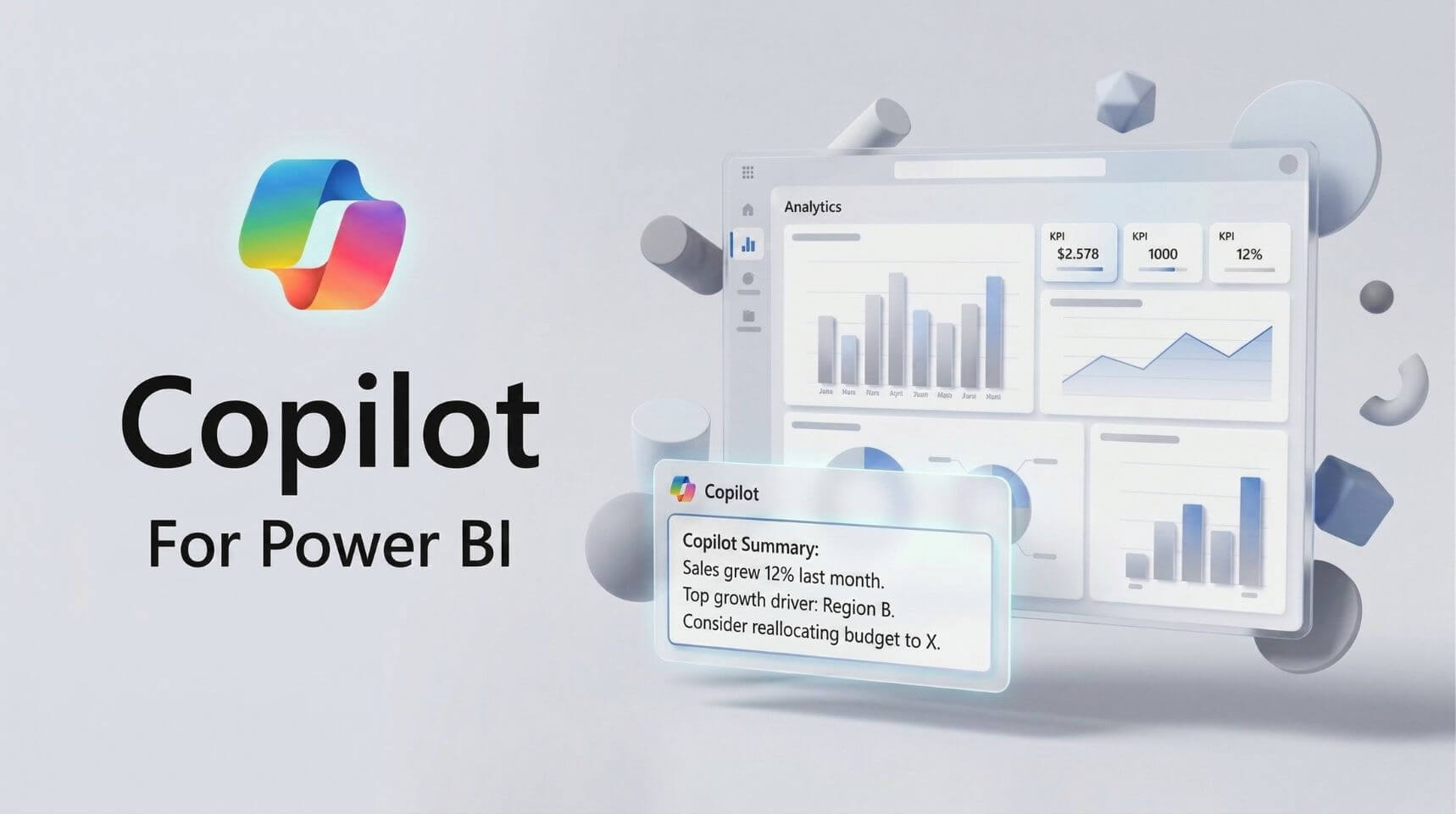
 Copilot for M365