Recent Searches
Category

Microsoft Power BI

Category

Microsoft Excel

Category

Microsoft Copilot Courses

Category

SharePoint

Category

Professional Development

Category

Microsoft Project

Category

Power Automate

Category

Power Apps

Category

AI for Business

Category

SQL

Category

Microsoft 365

Category

Microsoft Word

Category

Python

Category

Microsoft Teams

Category

Excel Specialist

Category

Microsoft PowerPoint

Category

Microsoft Outlook

Category

R Programming

Category

Microsoft Access

Category

Microsoft Visio

Category

HTML Courses

Category

WordPress

Category

Microsoft Windows 11 Courses

Category

Adobe InDesign Courses

Category

Adobe Premiere Pro Training

Category

Adobe After Effects Training

Category

Adobe Photoshop Courses

Category

Adobe Illustrator Courses

Category

Canva Courses

Category

Articulate

Category

Adobe Acrobat Courses

Category

Adobe Animate Training

Category

Adobe Captivate Training

Course

Power BI Beginner

Course

Excel Beginner

Course

Copilot for M365

Course

SharePoint Beginner

Course

Achieving Leadership & Success

Course

Project Beginner

Course

Power Apps Beginner

Course

SQL Beginner

Course

Word Intermediate

Course

Word Beginner

Course

Word Advanced

Course

Python Beginner

Course

Teams Essentials

Course

Financial Modelling

Course

PowerPoint Level 1

Course

Microsoft Outlook Beginner to Intermediate

Course

R Programming Beginner

Course

Microsoft Access Essentials

Course

Visio Essentials

Course

HTML Training Intro

Course

Windows 11 End User Course

Course

InDesign Lite

Course

Premiere Training Intro

Course

After Effects Training Intro

Course

Photoshop Lite

Course

Illustrator Training Intro

Course

Articulate Storyline 360 Essentials

Course

Acrobat Essentials

Course

Animate Training Intro

Course

Captivate Training

Course

Power BI Intermediate

Course

Excel Intermediate

Course

Copilot for Word

Course

SharePoint Intermediate

Course

Anger Management & Negotiation Skills

Course

Project Intermediate

Course

Power Apps Intermediate

Course

ChatGPT Beginner

Course

SQL Intermediate

Course

Python Intermediate

Course

Analysis and Dashboards

Course

PowerPoint Level 2

Course

R Programming Intermediate

Course

InDesign Training Intro

Course

Photoshop Training Intro

Course

Articulate Storyline 3 & 360 Advanced

Course

Acrobat Forms

Course

Power BI Advanced

Course

Excel Advanced

Course

Copilot for Excel

Course

SharePoint Advanced (Site Owner)

Course

Assertiveness & Confidence

Course

Project Advanced

Course

Power Apps Intermediate | Power Automate + Power BI Integration

Course

AI Prompting Fundamentals

Course

Python Advanced

Course

Excel VBA

Course

R Programming Advanced

Course

Microsoft Access Advanced

Course

InDesign Training Advanced

Course

Canva Beginners

Course

Power BI DAX

Course

Excel Expert

Course

Copilot for PowerPoint

Course

SharePoint Advanced (Document Governance)

Course

Building Resilience

Course

Power Apps Advanced

Course

Machine Learning in R

Course

Canva Intermediate

Course

Copilot for Outlook and Teams

Course

Coaching and Mentoring

Course

Canva Advanced

Course

Communications

Course

WordPress Essentials

Course

Premiere Basics Training

Course

Advanced After Effects Training

Course

Illustrator Training Advanced

Course

Canva AI

Course

Microsoft Copilot Studio Building AI Agents

Course

Communications & Quality Client Service Training

Course

AI for Business Leaders and Managers

Course

Advanced Premiere Training

Course

Photoshop Training Advanced

Course

Power BI Copilot Training

Course

Critical Thinking and Problem Solving

Course

AI Governance Training

Course

InDesign Interactivity Training

Course

Copilot for Customer Service

Course

Cultural Diversity in the Workplace

Course

InDesign Accessibility Training

Course

Copilot for Executives and Managers

Course

Embracing Change

Course

Microsoft Outlook Advanced

Course

Copilot for Finance

Course

Growing Emotional Intelligence

Course

SQL Advanced

Course

Copilot for HR

Course

Minute Taking

Course

Planner Premium

Course

Excel Tables and Pivot Tables

Course

Copilot for Legal Services

Course

Power Automate Beginner

Course

Microsoft 365 Essentials

Course

Data Transformation with Power Query

Course

Excel Macro Mastery

Course

Copilot for Marketing

Course

Persuasion and Negotiation Skills

Course

Power Automate Intermediate

Course

Power BI Desktop Advanced Reporting

Course

Copilot for Operations

Course

Presentation Skills and Public Speaking

Course

Data Visualisation with Power BI Desktop

Course

Copilot for Sales

Course

Practical Project Management

Course

Respect, Equity and Diversity (RED)

Course

Resumé Writing and Interview Skills

Course

Stress Management

Course

Team Leadership, Management and Development

Course

Time Management Intensive

Course

Train the Trainer

Course

Write Effective Business Documents

Course

Dealing with Difficult People

Course

Managing Difficult Conversations

Course

Managing the Virtual Workplace

Course

Customer Service Training

Course

Technical Writing

Excel at 40: Boost Your Career in 2025

On 30 September 1985 Microsoft launched Excel for Macintosh. Forty years later it remains Australia’s most requested data skill. This article maps Excel’s evolution, shows salary gains, and highlights the exact skills to learn with Nexacu training for fast, practical results.

Master Microsoft Copilot: Teams & Excel Training Guide 2025

Microsoft Copilot is transforming Australian workplaces in 2025. From meeting summaries and natural language formulas to Python-powered analysis, Copilot saves hours weekly while boosting productivity. This guide explores proven use cases, prompt engineering tips, real success stories, and why proper training matters with Nexacu courses designed for Australian businesses.

Office 2016 & 2019 Support Has Ended! What Australian Businesses Must Do Now

Support for Microsoft Office 2016 and 2019 officially ended on 14 October 2025. This definitive Australian business guide explains the post-support risks, compliance challenges, and upgrade pathways — with migration tips, case studies, and Nexacu training to help your organisation modernise securely.

Excel 2025: Top Skill Powering Australian Careers

Excel is still the engine of Australian workplaces in 2025. From budgeting and dashboards to automation and Power BI integration, the right skills unlock faster reporting, better decisions, and real career momentum. This guide covers the top Excel capabilities, local case studies, and practical ways to upskill with Nexacu.

Top Cybersecurity Risks for SMEs in Australia: Best Practices 2025 Guide

Australian small and medium enterprises face unprecedented cybersecurity challenges in 2025, with attacks occurring every six minutes nationwide. This comprehensive guide examines the top threats targeting Australian SMEs and provides actionable best practices to protect your business from devastating cyber incidents.

Power BI, Excel, and Copilot: Transforming Australian Banking and Finance

Power BI, Excel, and Copilot are driving a new era in Australian banking and finance. This article explores game-changing analytics, automation, and AI-powered workflows, backed by real case studies, expert tips, and the latest finance-focused training options. Unlock smarter decision-making and compliance success for your finance team.

Windows 10 Support Ends 14 Oct 2025 in Australia – What Australians Need to Know

Windows 10 reaches end of support on 14 October 2025. Learn what “unsupported” means, who’s affected, and how ESU fits in. Get practical steps for hardware checks, migrations, and change management plus how Nexacu’s Windows 11 training reduces risk, boosts productivity, and keeps Australian organisations compliant.

What’s Next After Excel? Meet Copilot for M365

Ready to move beyond Excel? Discover how Microsoft Copilot in Excel, Word, PowerPoint and Outlook helps you automate tasks, save hours, and boost productivity. Learn more with Nexacu’s Copilot training and get 5% off our course bundle.

Design made easy with Canva AI

Canva and Canva AI are changing the way Australians create, communicate, and innovate making powerful design and automation accessible to everyone. With practical learning options from Nexacu and plenty of success stories across business and education, this guide explores everything you need to know to use Canva at its full potential in 2025.

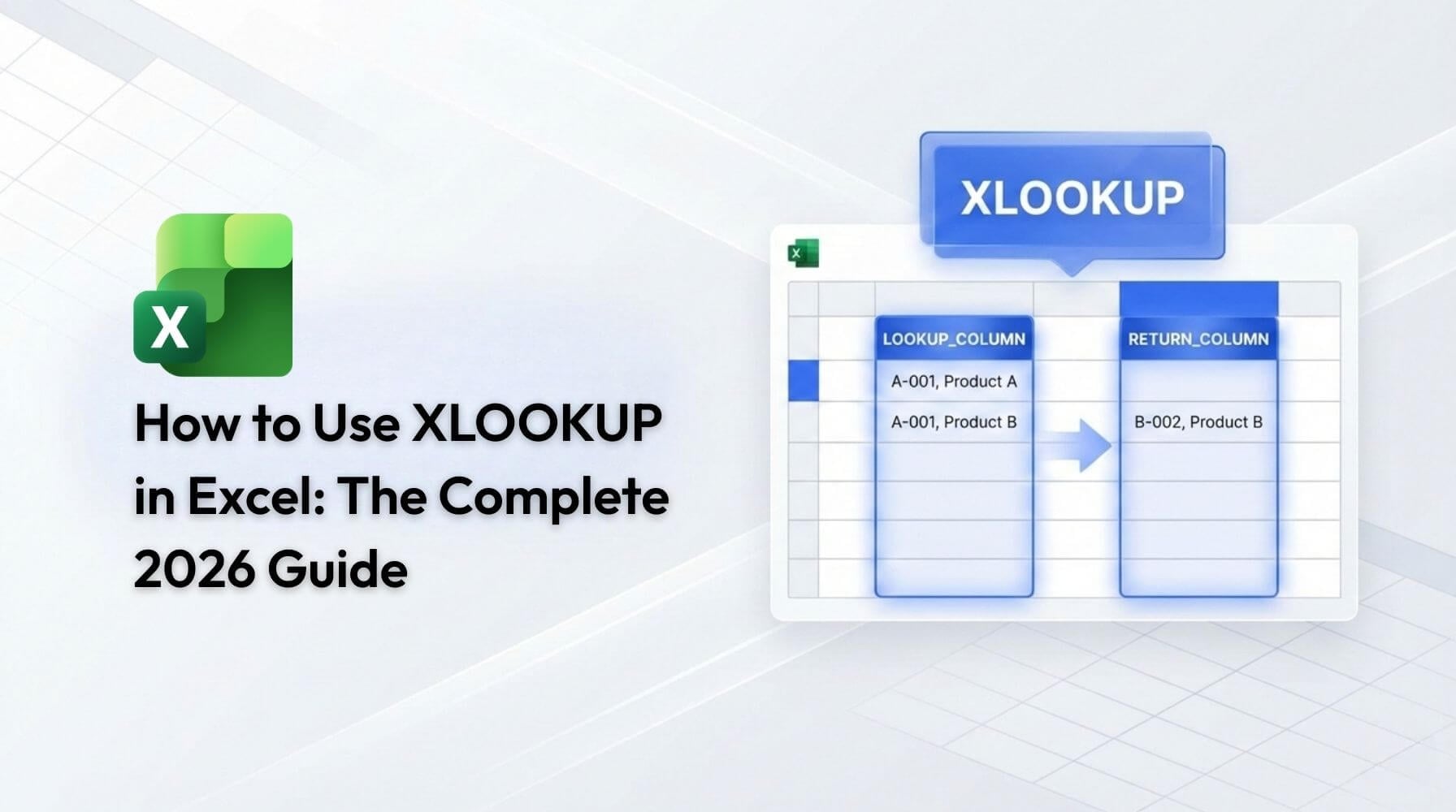
What is XLOOKUP and how to use it

Explore the new standard in Excel lookups with this deep dive into XLOOKUP. Covering key features, advanced formula options, side-by-side comparisons, and real-world business case studies, this guide helps you automate, analyse, and future-proof your data workflows. Perfect for corporate users aiming to save time and reduce errors in their spreadsheets.

Reclaim Your Day: Time-Saving Tactics for Teams with AI & Microsoft 365

Australian businesses are reclaiming lost hours with AI-powered tools like Copilot, ChatGPT, and Microsoft 365. Learn how Nexacu training unlocks streamlined workflows, faster meetings, and smarter automation empowering staff to achieve more in less time and drive lasting results across hybrid teams.

Why Emotional Intelligence Is the Key Skill for Australian Leaders in 2025

Emotional intelligence is now the must-have leadership skill for Australian managers. Discover how building emotional intelligence can improve team trust, wellbeing and performance and see how Nexacu’s tailored training helps you lead with confidence in today’s dynamic workplaces.

Work Smarter: 10 ChatGPT Prompts to Save Hours

ChatGPT is reshaping how Australians work, from drafting emails to summarising reports. With the right prompts, teams can save hours each week and achieve clearer, faster results.

Motion Mastery: After Effects for Beginners

Motion graphics and visual effects are transforming the way businesses, creators, and organisations communicate. From the animated ads in your social media feed to the sleek title sequences of your favourite shows, motion design has become one of the most powerful ways to tell stories.

Design Smarter: How to Use Canva AI Today

Canva AI is changing how we design and this course will show you how to use it to its full potential. Whether you’re a marketer, content creator, or business owner, our hands-on training gives you the skills to generate text, images, video and more all powered by Canva’s AI tools.


Topics

SQL
css

Trusted Nationwide by Leading Organisations

at Nexacu, we're proud to be the trusted training partner for hundreds of leading organisations across Australia and New Zealand. From government departments to top corporates, we help teams upskill and succeed everyday

  • 400+ companies rely on Nexacu for team training
  • Trusted by federal, state, and local government agencies
  • Delivering training across 9 countries

Why Nexacu?

step by step courseware

Step by Step Courseware

Custom workbook included with a step by step exercises

Facility Image 2
Facility Image 3
Facility Image 1

Interactive real time training

Interactive, Real-Time Training

Learn with expert instructors, wherever you are

More than 1,300 Business trust Nexacu

Trusted by Business

Procured by Government

Procured by Goverment

Reviews Not Found

Valued by Individuals