Shadow AI in Australian Workplaces: Why Bans Backfire
12% of Australian businesses say they use AI. 84% of Australian workers say they do. Learn what that gap means for your organisation, and why banning tools means it worse.
Not sure whether to save a file in SharePoint, OneDrive or Teams? Learn what each Microsoft 365 platform is best used for and how to keep your organisation’s files accessible, organised and secure.
Heard of Microsoft Copilot but not sure what it actually is? This plain-English 2027 guide explains what Microsoft Copilot is, how it works, what it can access across Word, Excel, Outlook and Teams, whether your data is protected, and which version your team really needs.
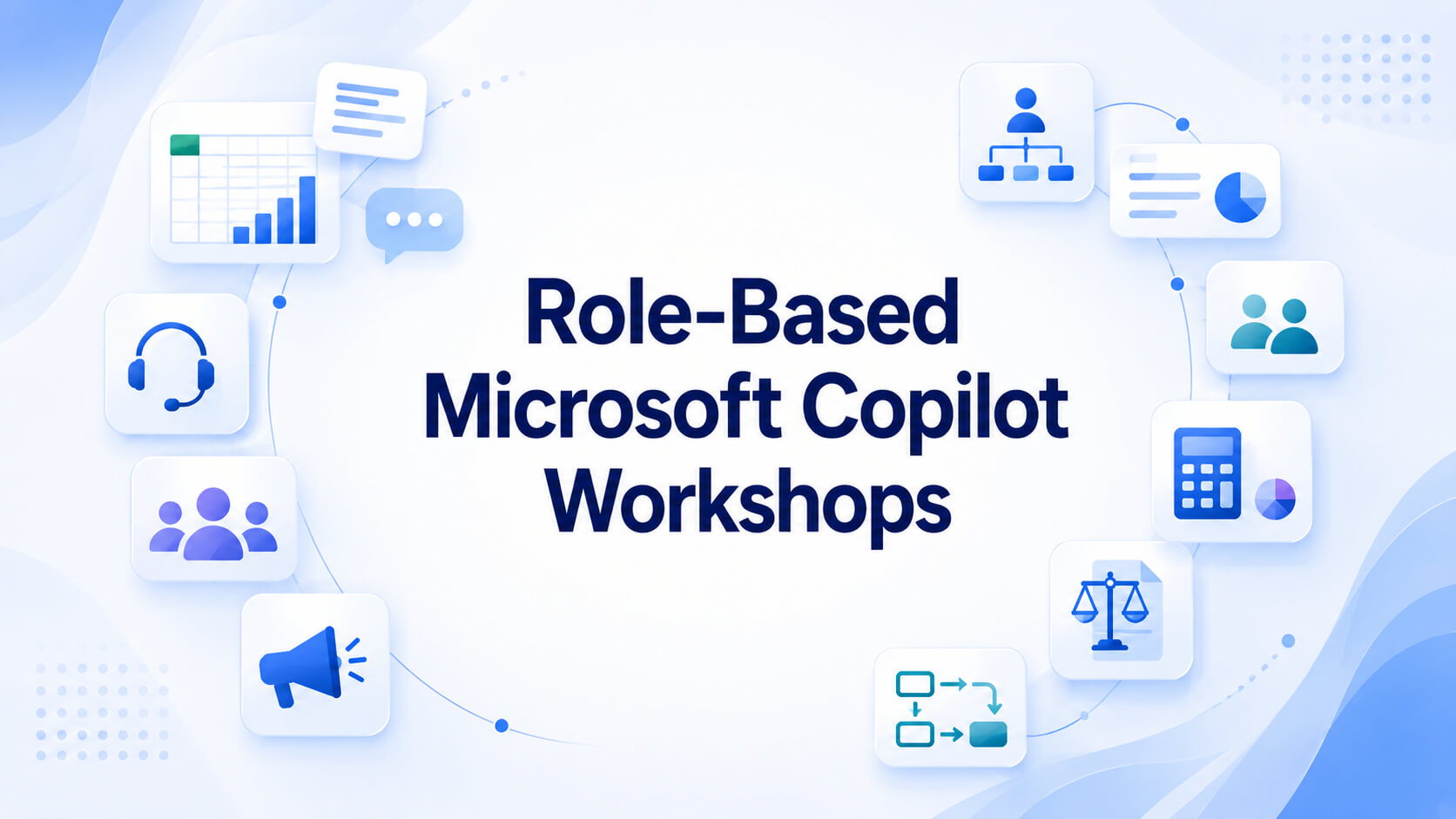
Explore Nexacu’s role-based Microsoft Copilot workshops for executives, HR, finance, legal, operations, sales, marketing and customer service teams. Learn how each workshop helps teams apply Copilot to real workplace tasks and choose the right training pathway for your organisation.
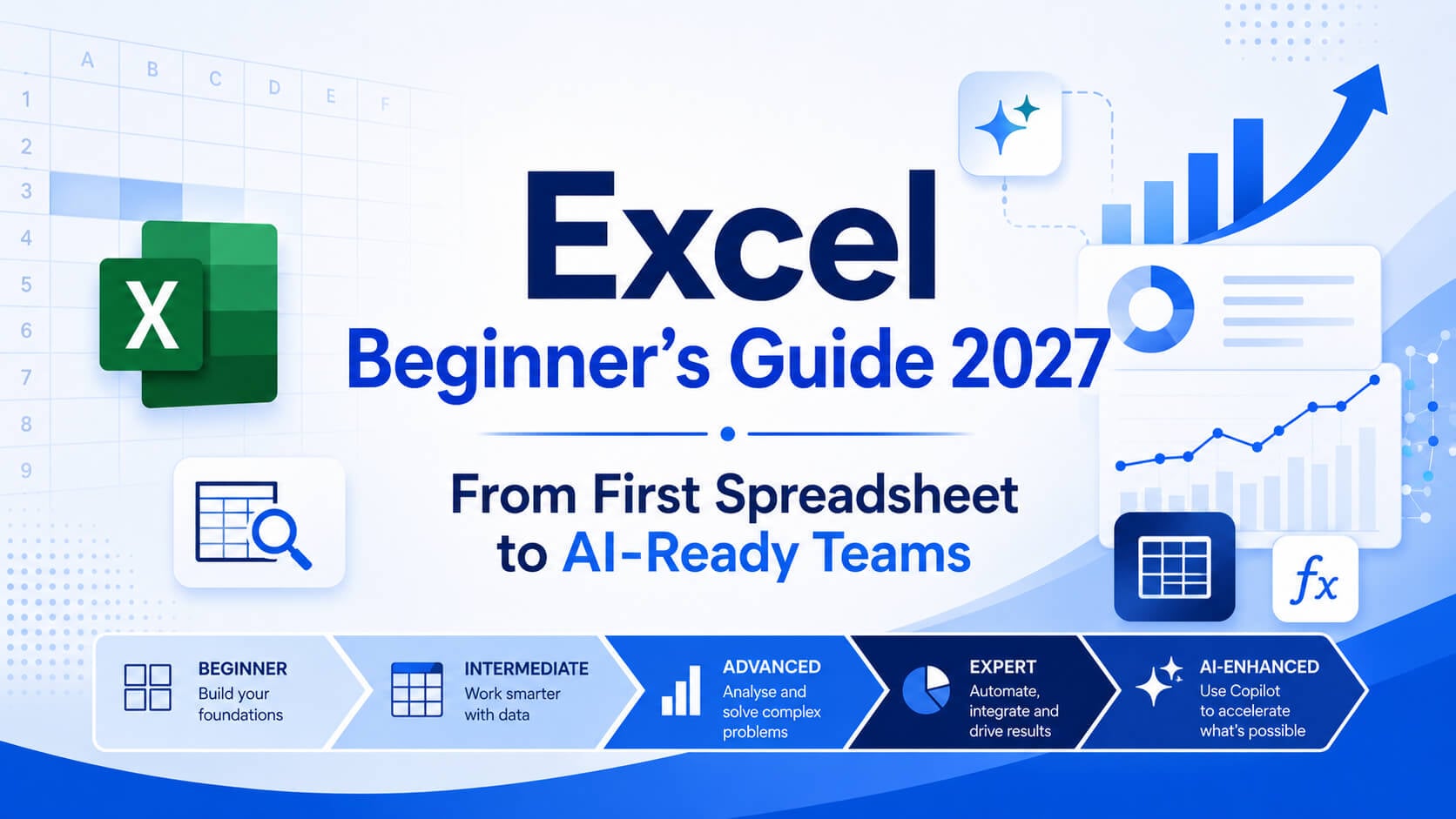
Learn the essential Excel skills beginners need, then follow the complete pathway from Beginner to Expert. This guide also covers specialist Excel courses, Copilot for Excel, and eight role-based Copilot workshops for teams.
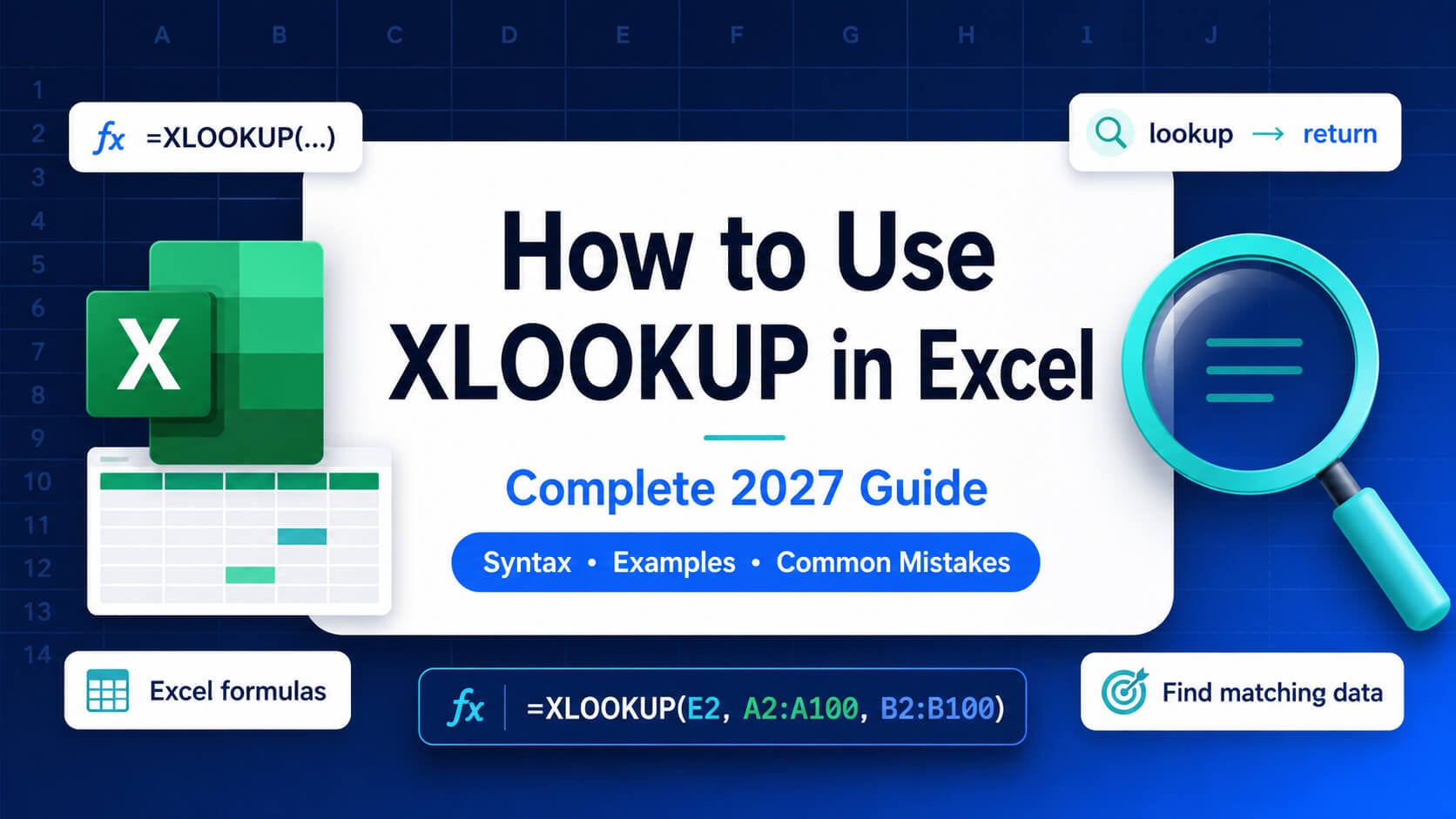
XLOOKUP is an Excel function used to search for a value in one range and return a related value from another range. It is commonly used to find prices, names, IDs, dates, product details, employee records and other matching information in a spreadsheet.
Microsoft Copilot can support better writing, analysis, communication and collaboration, but access alone does not guarantee adoption. This article explains why Copilot licences may go underused and how practical, hands-on training can help Australian teams build confidence and apply AI skills in everyday work.
Australian teams invested heavily in Microsoft Copilot, Power BI, Excel, Power Automate and project management during H1 2026. Here is what the trend says about skills gaps, productivity priorities and how to plan your H2 training budget.
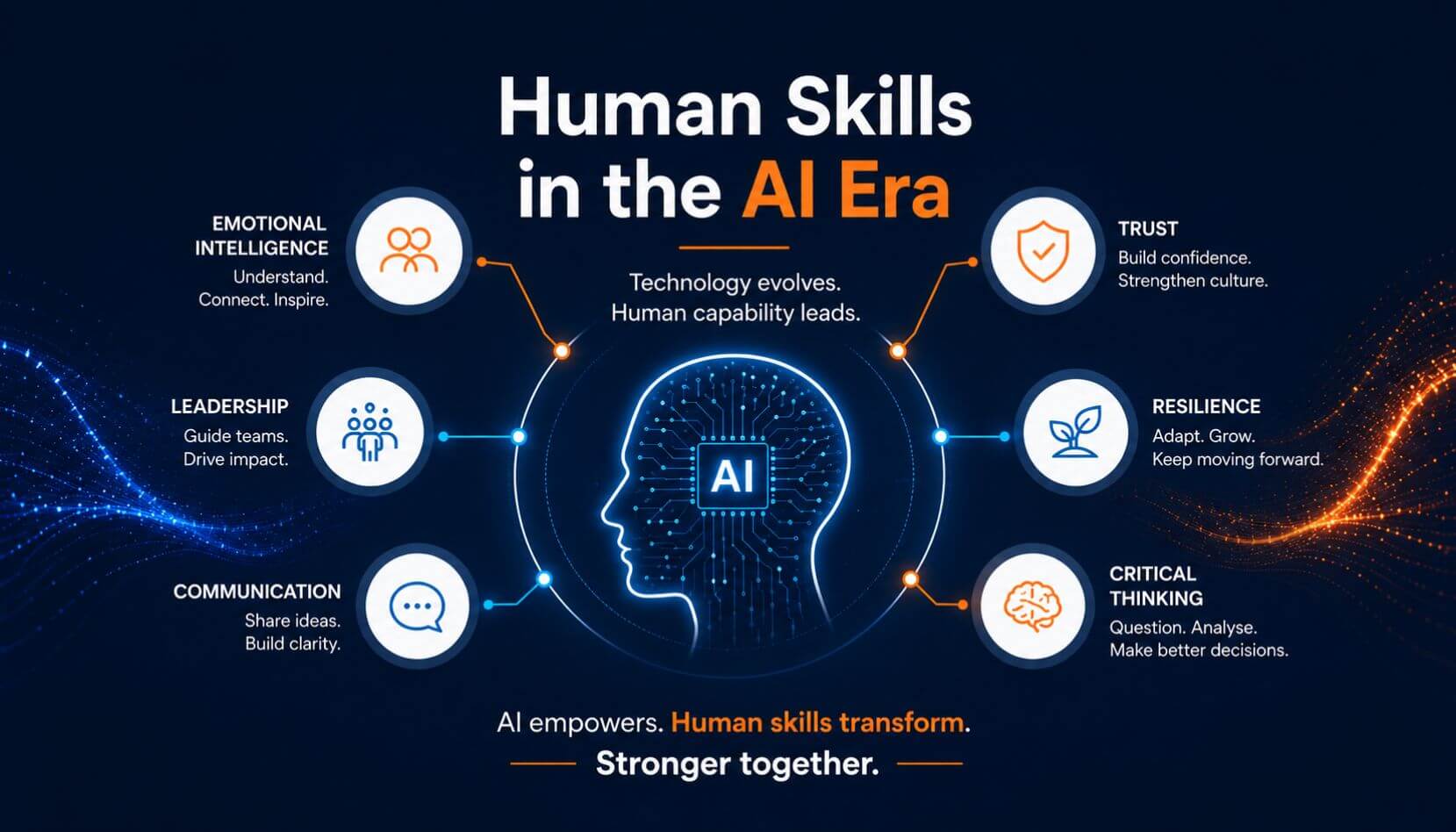
In the rush to adopt AI tools, many organisations are discovering that technology alone doesn’t deliver results. The real advantage now lies in human skills emotional intelligence, adaptive leadership, resilience, and the ability to lead people through rapid change.
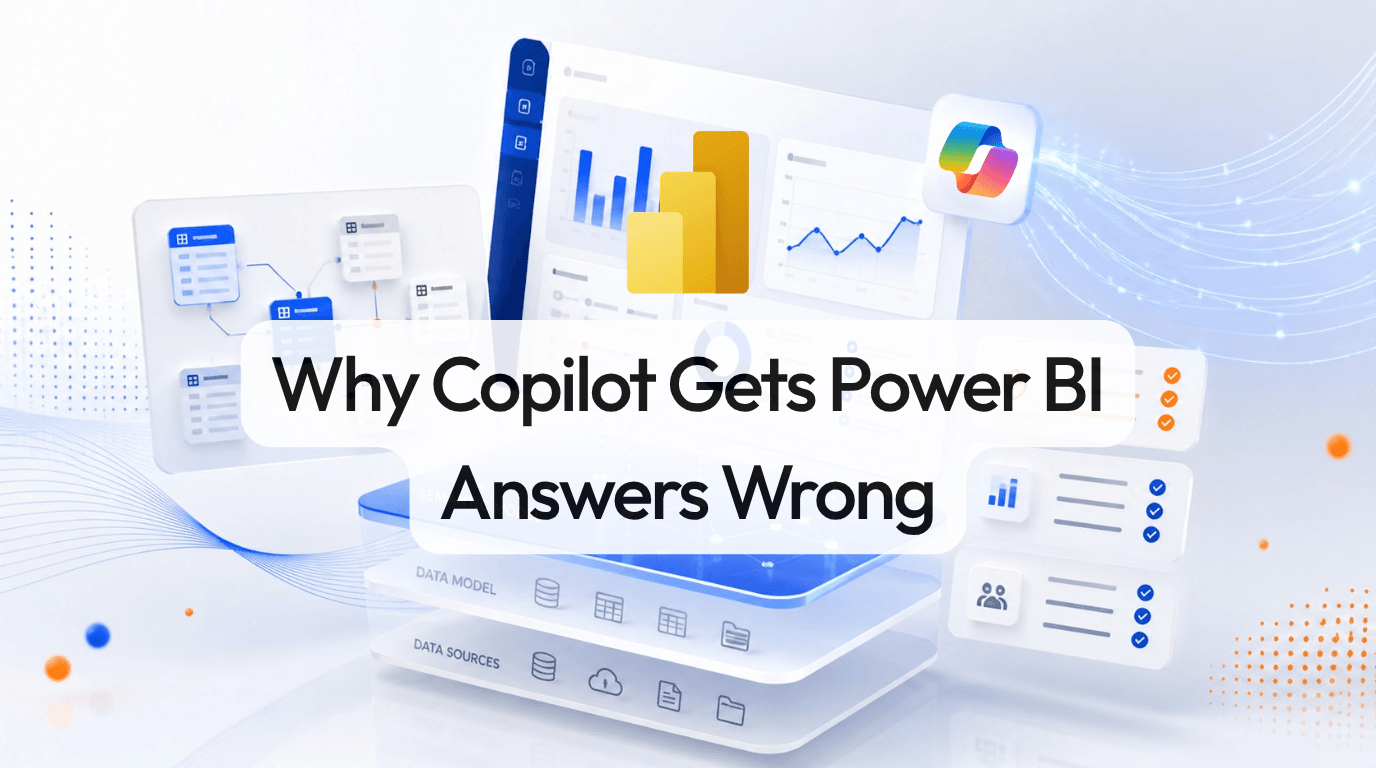
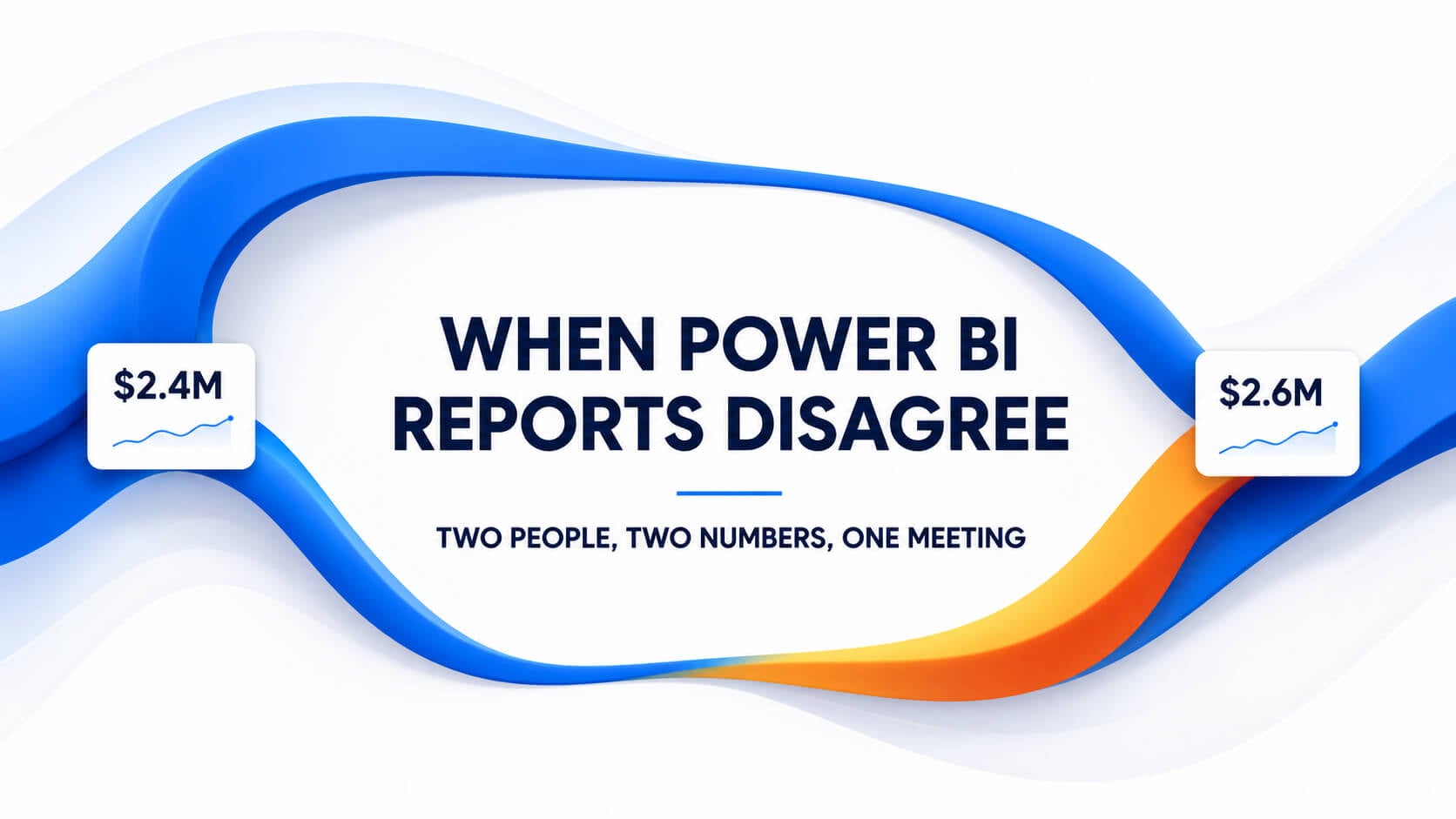
Copilot can make Power BI faster, but only when your data model, measures, metadata and governance are ready. Learn why Power BI Copilot gets answers wrong and how to improve accuracy.
Learn how to use Pivot Tables in Excel to summarise data, analyse trends and build clearer reports. This complete guide covers setup, formatting, advanced features, common fixes and practical business examples.
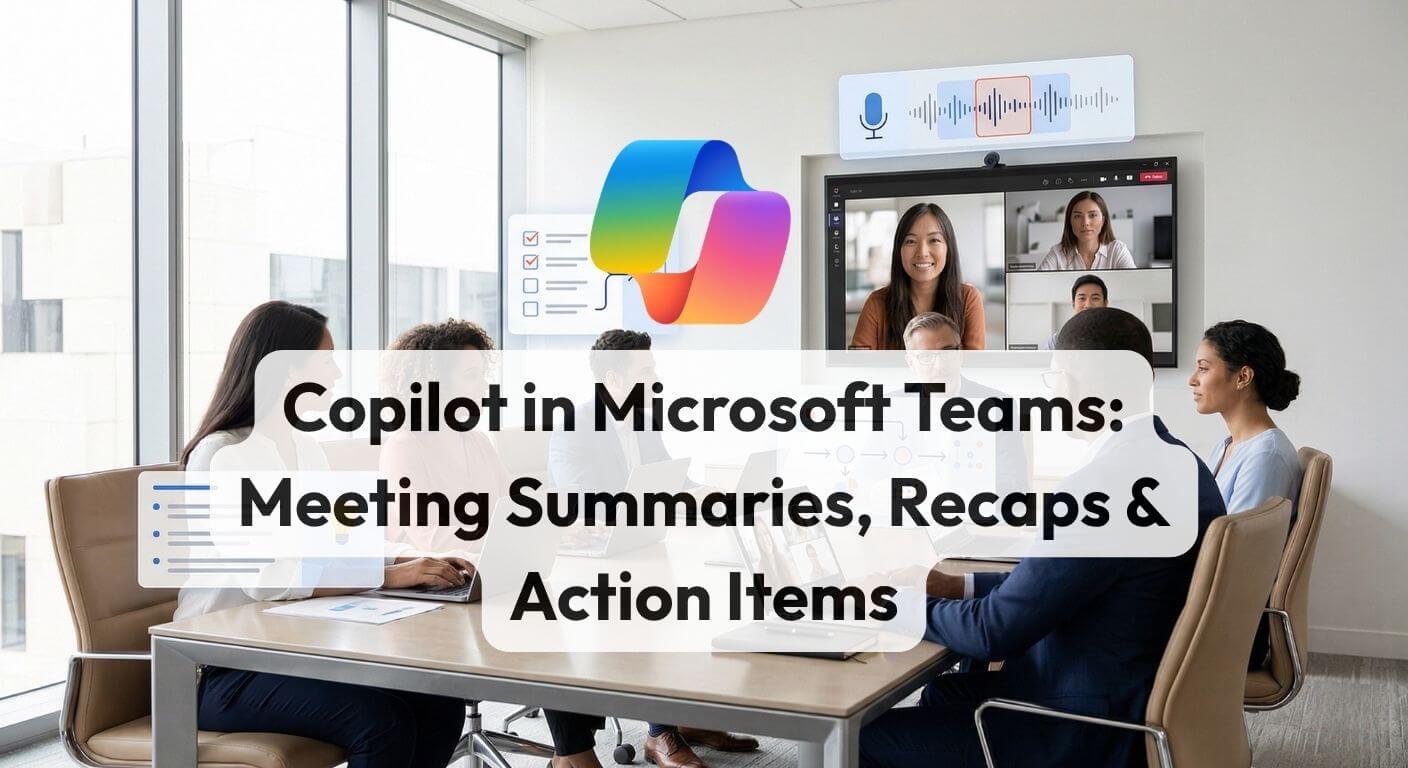
Copilot in Teams eliminates post-meeting admin by automatically generating structured summaries, action items, and full transcripts from any transcribed meeting. This guide walks through the complete workflow from enabling transcription to prompting Copilot mid-meeting and connecting the recap to a follow-up email in Outlook.
Learn how to build approval workflows with Power Automate using SharePoint, Outlook and Teams. This practical guide covers setup, workflow design, common use cases, quick fixes and next steps for Microsoft 365 teams.
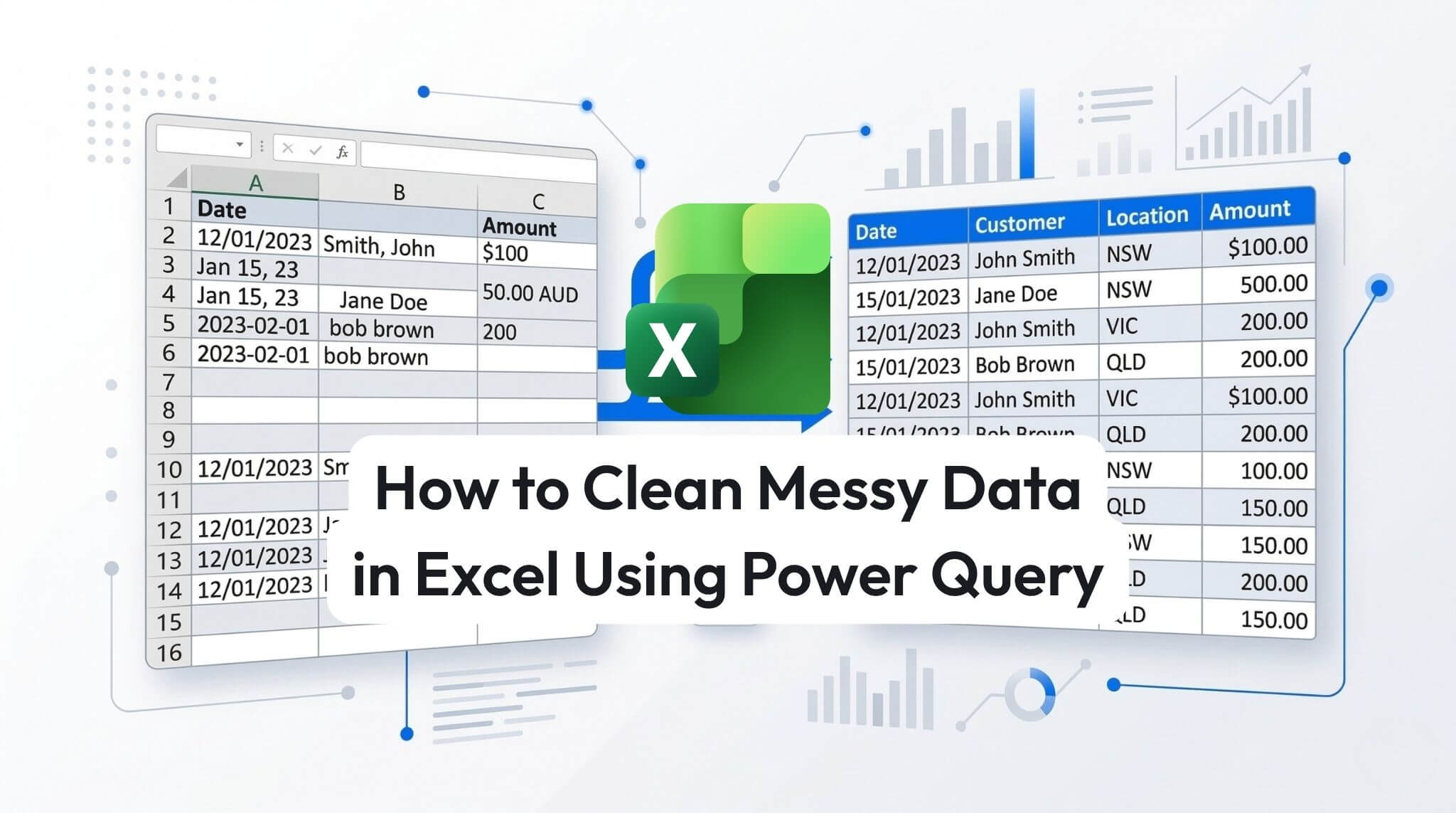
Cleaning messy Excel data manually is slow, repetitive, and prone to errors. Power Query gives you a faster, more reliable way to import, clean, and reshape data using repeatable steps. This practical guide shows you how to remove unwanted rows, split columns, replace inconsistent values, fix data types, and load clean data back into Excel for reporting, analysis, and dashboards.
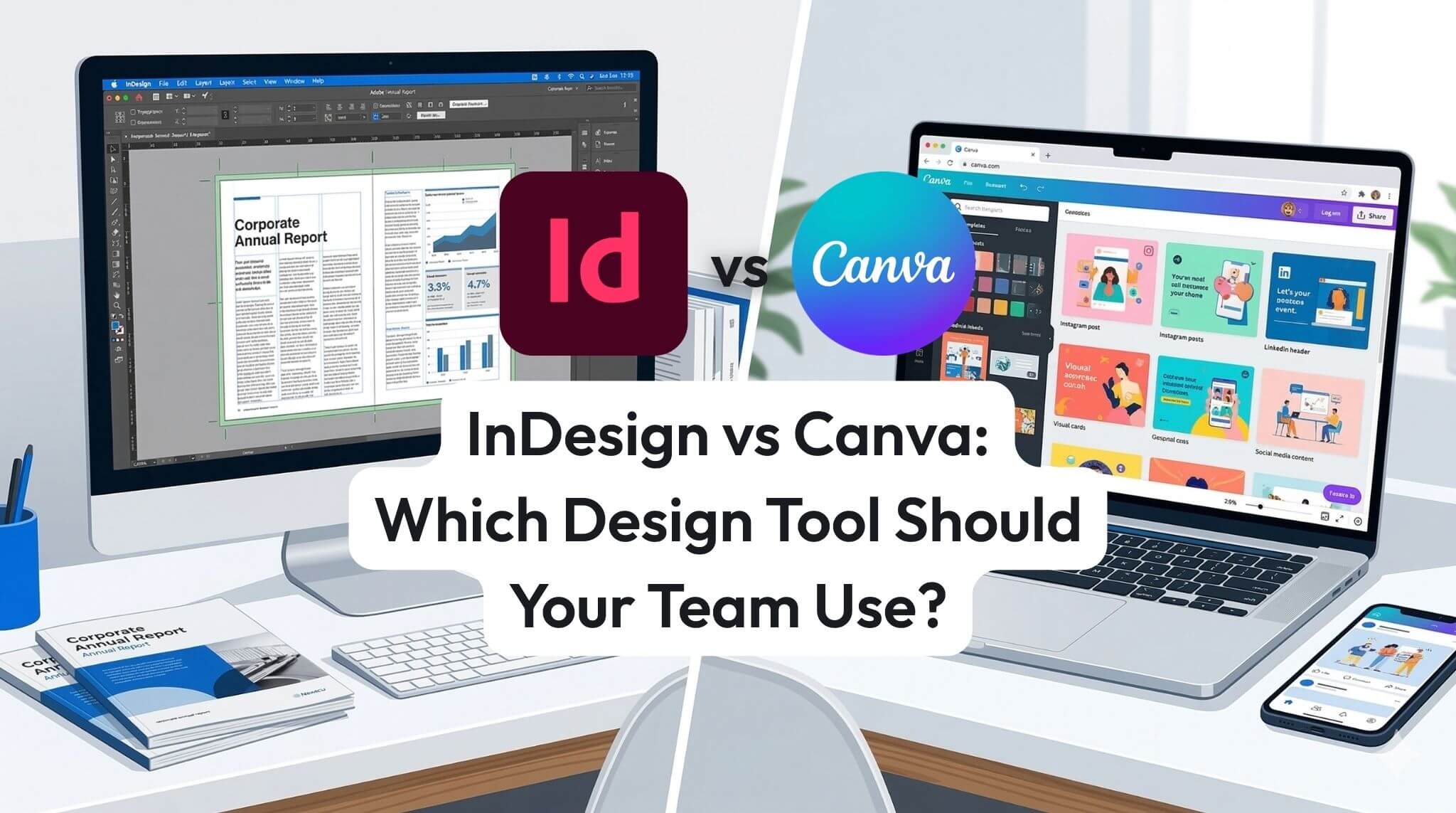
InDesign and Canva both have a place in modern business teams, but they solve different problems. Canva is ideal for quick social graphics and fast template-based content, while Adobe InDesign is better for professional documents, multi-page layouts, and precise brand control. This guide compares the key differences, business use cases, and practical considerations to help your team choose the right design tool.
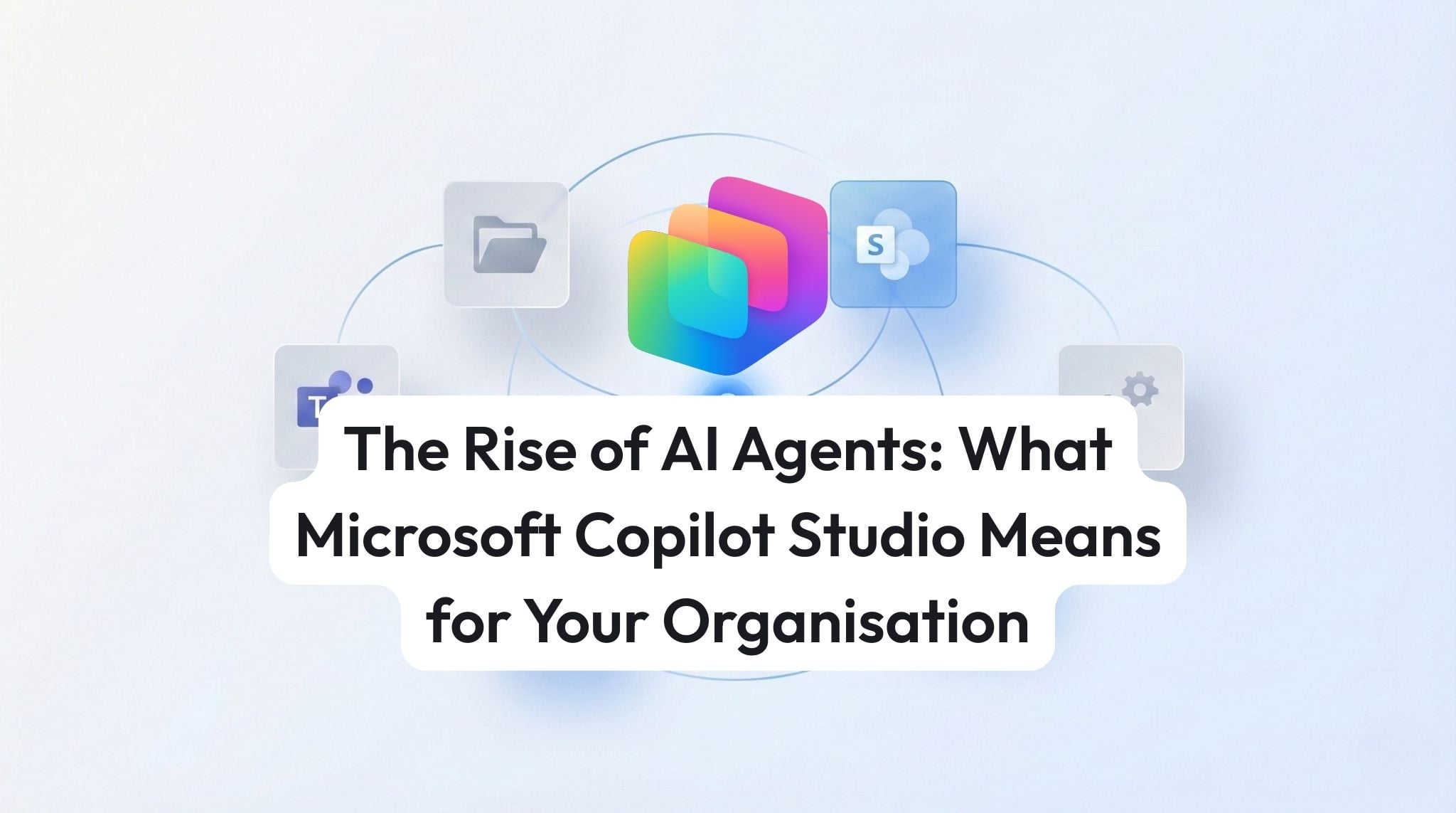
AI agents are changing work by moving past “answering questions” to completing tasks across Microsoft 365. This guide explains what agentic AI is, what Microsoft Copilot Studio enables, and how organisations can start building safe, useful agents with measurable impact.
Build your first Power BI dashboard in 30 minutes by importing sample data, creating a simple report page, publishing to the Power BI service, and pinning key visuals as dashboard tiles.
Conditional formatting helps Excel highlight what matters automatically from overdue dates and duplicates to heatmaps and progress bars. This practical AU/NZ guide covers the main formatting types, shows a powerful formula-based rule, and explains how to manage rule priority for clean, reliable reports.
XLOOKUP is Excel’s modern replacement for VLOOKUP, letting you search any column, return results without brittle column numbers, and handle missing matches cleanly. This practical 2026 guide walks through syntax, worked examples, common pitfalls, and best practices for teams using Excel in Microsoft 365.
Copilot Chat and Copilot for Microsoft 365 sound similar until your users ask why Copilot can’t see their emails, why the button is missing in Word, or whether prompts train the AI. This guide breaks down what each Copilot includes, the licensing “gotchas” that cause frustration, and a simple decision framework to help AU/NZ organisations choose the right path and prove ROI fast.
at Nexacu, we're proud to be the trusted training partner for hundreds of leading organisations across Australia and New Zealand. From government departments to top corporates, we help teams upskill and succeed everyday
Students
4 & 5 Star Reviews
Google Reviews
Businesses Trust Nexacu
![]()
Custom workbook included with a step by step exercises


Learn with expert instructors, wherever you are