
Why Copilot Gets Power BI Answers Wrong
Copilot can make Power BI faster, but only when your data model, measures, metadata and governance are ready. Learn why Power BI Copilot gets answers wrong and how to improve accuracy.
Insights & Blogs
Discover articles and tutorials to help you build better.

Copilot can make Power BI faster, but only when your data model, measures, metadata and governance are ready. Learn why Power BI Copilot gets answers wrong and how to improve accuracy.
Copilot can make Power BI faster, but only when your data model, measures, metadata and governance are ready. Learn why Power BI Copilot gets answers wrong and how to improve accuracy.
Learn how to use Pivot Tables in Excel to summarise data, analyse trends and build clearer reports. This complete guide covers setup, formatting, advanced features, common fixes and practical business examples.
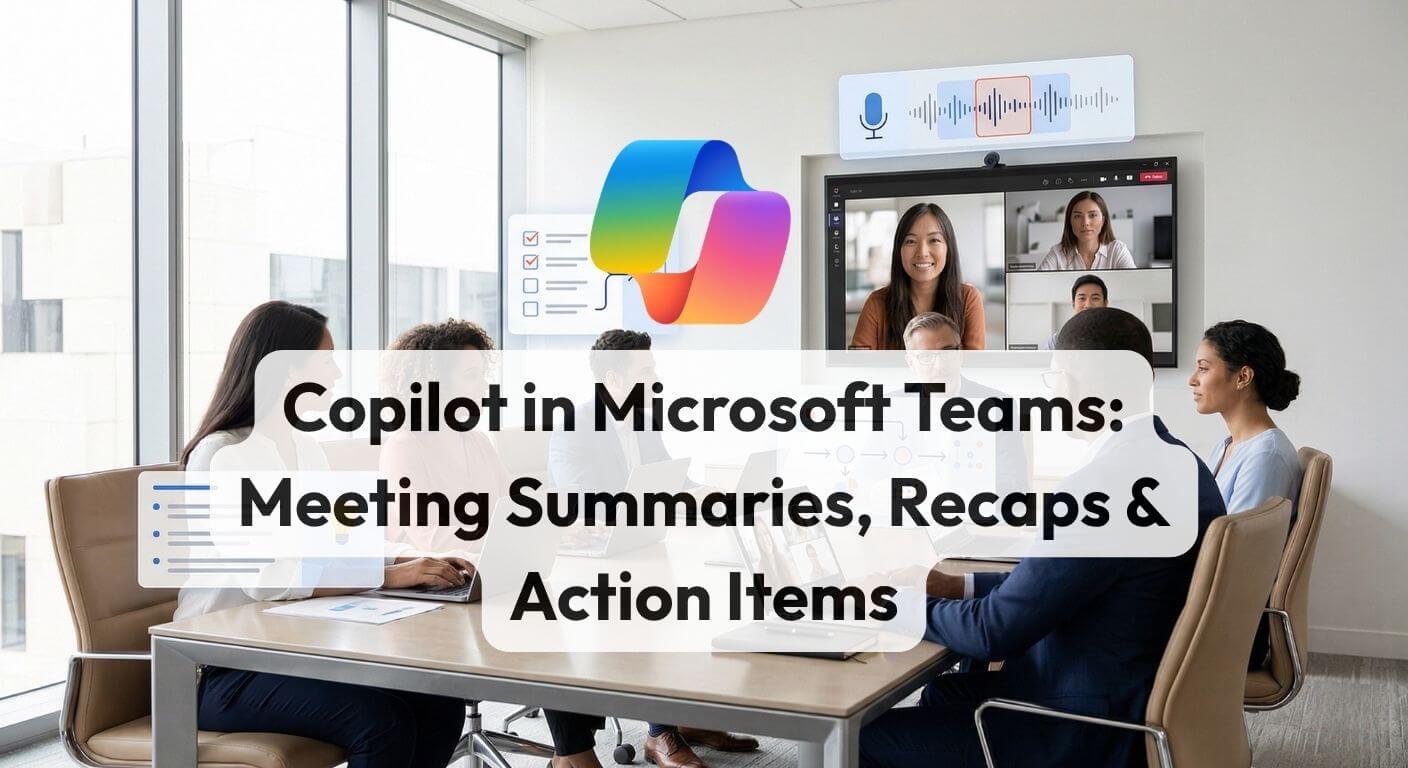
Copilot in Teams eliminates post-meeting admin by automatically generating structured summaries, action items, and full transcripts from any transcribed meeting. This guide walks through the complete workflow from enabling transcription to prompting Copilot mid-meeting and connecting the recap to a follow-up email in Outlook.
Learn how to build approval workflows with Power Automate using SharePoint, Outlook and Teams. This practical guide covers setup, workflow design, common use cases, quick fixes and next steps for Microsoft 365 teams.
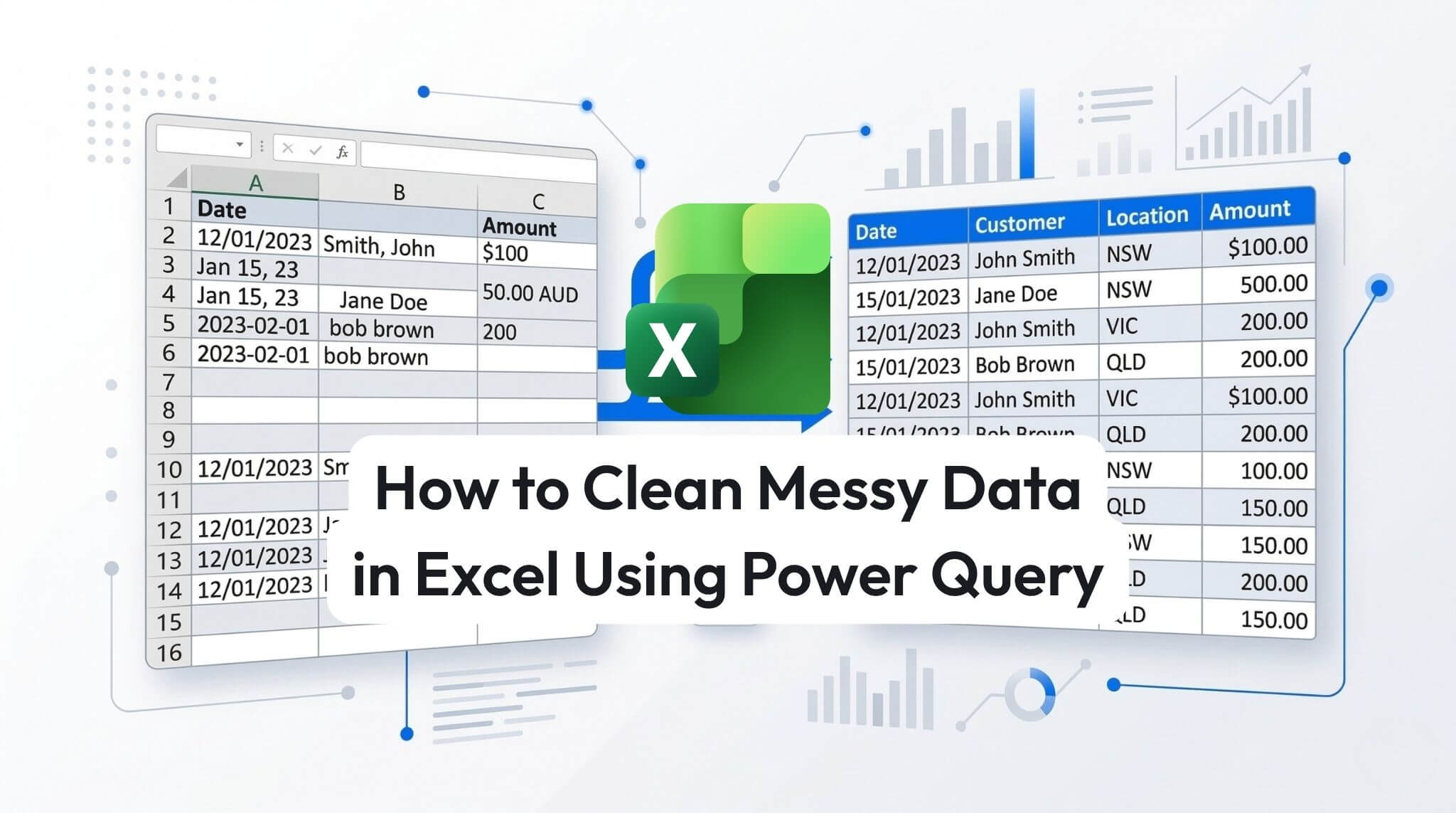
Cleaning messy Excel data manually is slow, repetitive, and prone to errors. Power Query gives you a faster, more reliable way to import, clean, and reshape data using repeatable steps. This practical guide shows you how to remove unwanted rows, split columns, replace inconsistent values, fix data types, and load clean data back into Excel for reporting, analysis, and dashboards.
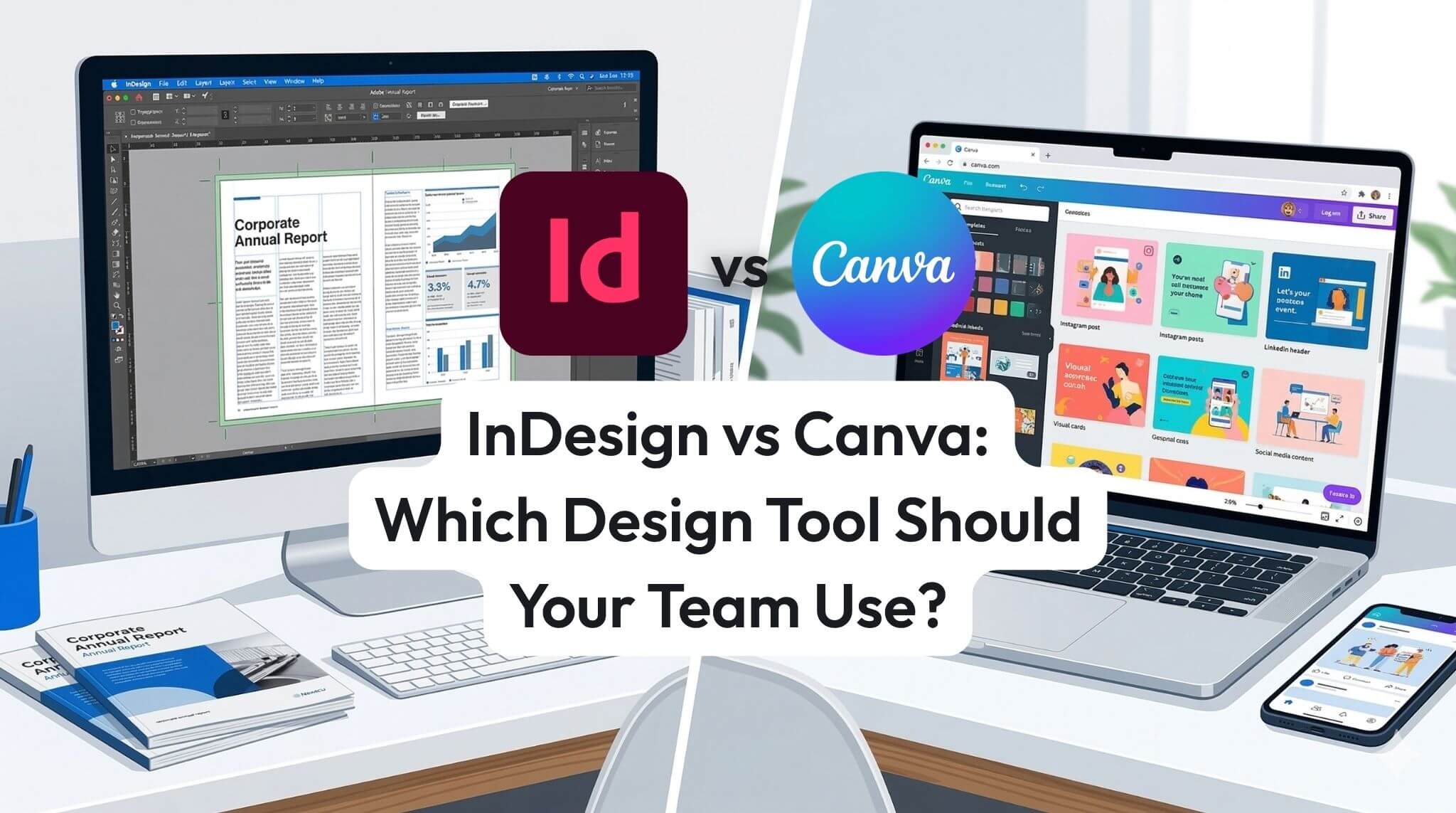
InDesign and Canva both have a place in modern business teams, but they solve different problems. Canva is ideal for quick social graphics and fast template-based content, while Adobe InDesign is better for professional documents, multi-page layouts, and precise brand control. This guide compares the key differences, business use cases, and practical considerations to help your team choose the right design tool.
AI agents are changing work by moving past “answering questions” to completing tasks across Microsoft 365. This guide explains what agentic AI is, what Microsoft Copilot Studio enables, and how organisations can start building safe, useful agents with measurable impact.
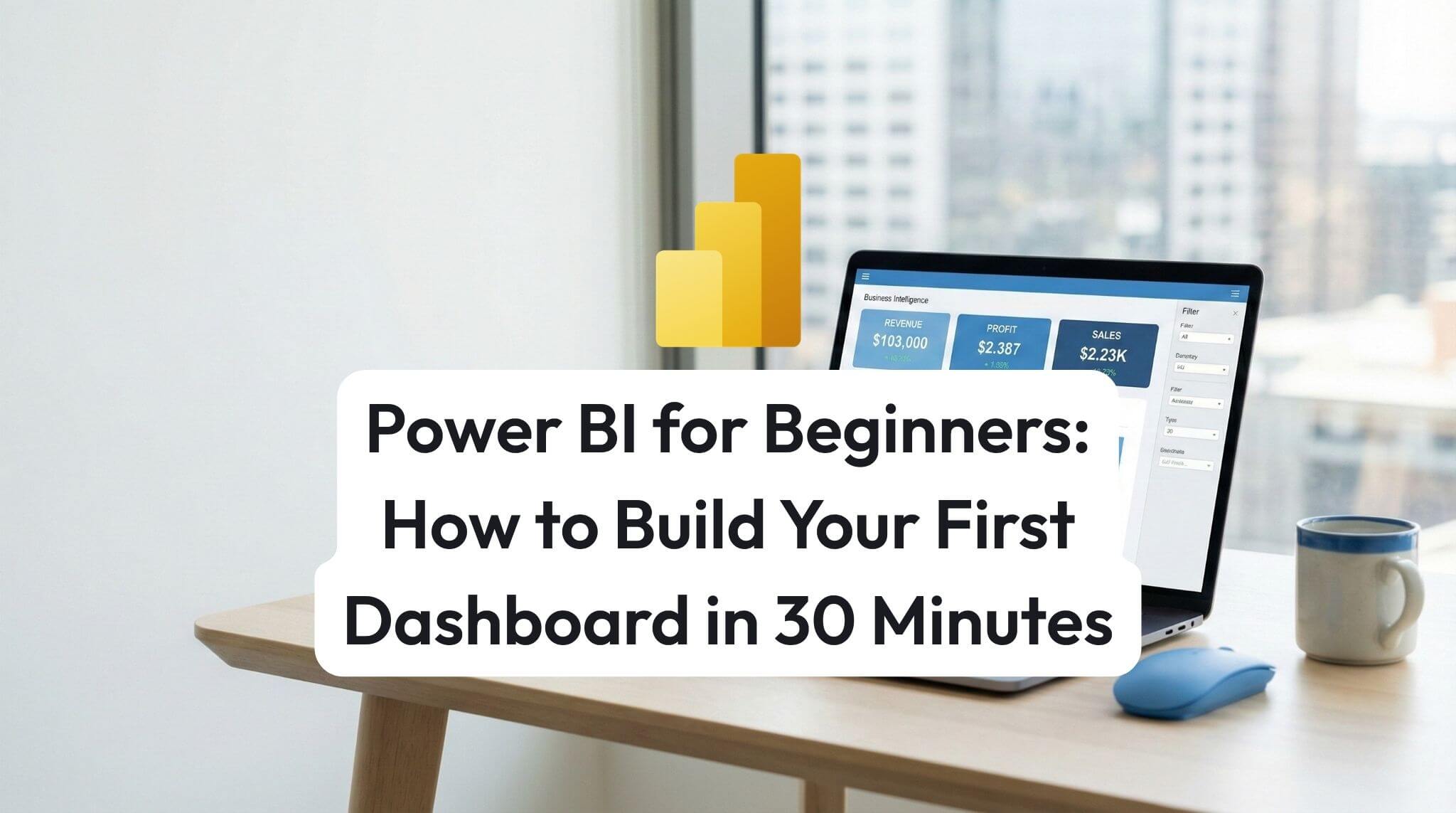
Build your first Power BI dashboard in 30 minutes by importing sample data, creating a simple report page, publishing to the Power BI service, and pinning key visuals as dashboard tiles.
Conditional formatting helps Excel highlight what matters automatically from overdue dates and duplicates to heatmaps and progress bars. This practical AU/NZ guide covers the main formatting types, shows a powerful formula-based rule, and explains how to manage rule priority for clean, reliable reports.
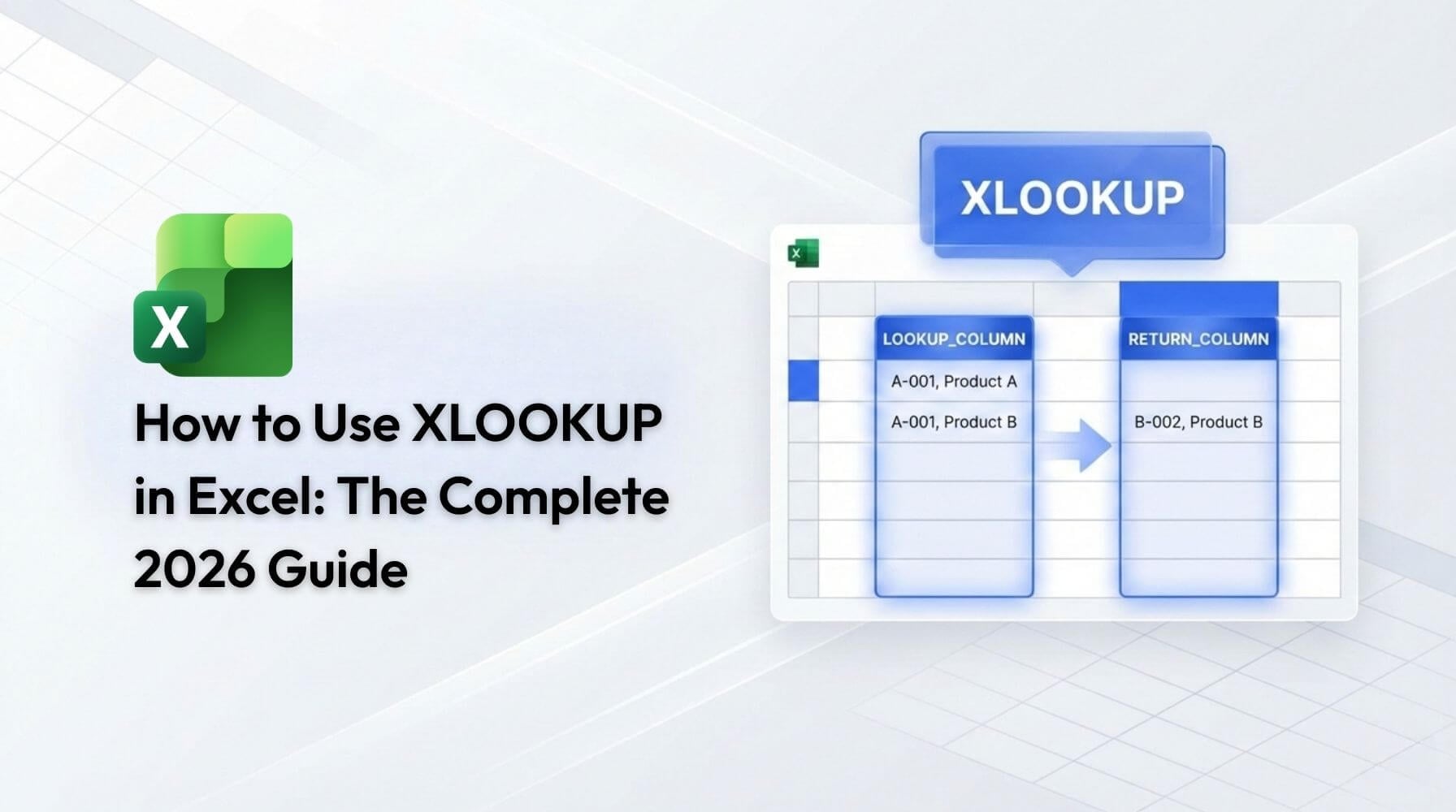
XLOOKUP is Excel’s modern replacement for VLOOKUP, letting you search any column, return results without brittle column numbers, and handle missing matches cleanly. This practical 2026 guide walks through syntax, worked examples, common pitfalls, and best practices for teams using Excel in Microsoft 365.
Copilot Chat and Copilot for Microsoft 365 sound similar until your users ask why Copilot can’t see their emails, why the button is missing in Word, or whether prompts train the AI. This guide breaks down what each Copilot includes, the licensing “gotchas” that cause frustration, and a simple decision framework to help AU/NZ organisations choose the right path and prove ROI fast.
Discover how Australian Admin & HR teams use Microsoft Copilot to automate onboarding, reporting, policy writing, approvals and meeting follow-ups. Practical prompts included.
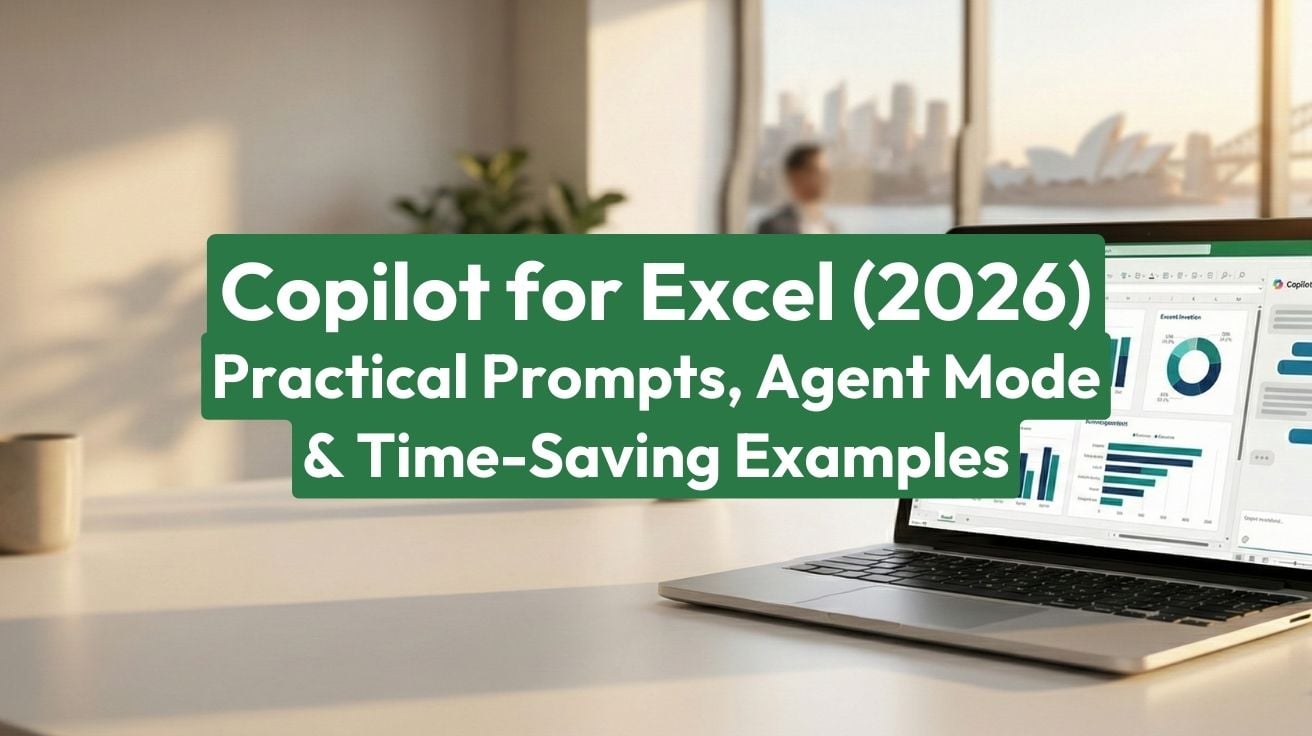
Copilot is Excel’s biggest productivity upgrade in years. This 2026 guide shows practical prompts and examples Australians can use immediately formulas, data cleaning, pivot tables, insights, sentiment analysis and Python plus Agent Mode, best practices and pricing.
Excel reaches its 40th anniversary in 2025, yet its relevance in Australian workplaces has never been greater. Despite the rise of specialised business intelligence tools, Excel remains the backbone of corporate operations, with 83% of job postings for clerical and administrative roles explicitly requiring proficiency. For professionals seeking to advance their careers, understanding Excel's evolution from simple spreadsheet to AI-powered business intelligence platform is essential and structured learning through a strategic pathway delivers measurable results.
Australia’s job market is changing fast, and employers are raising the bar on digital capability. This guide covers the five skills that matter most in 2026 and how to build them with practical, career-ready confidence.
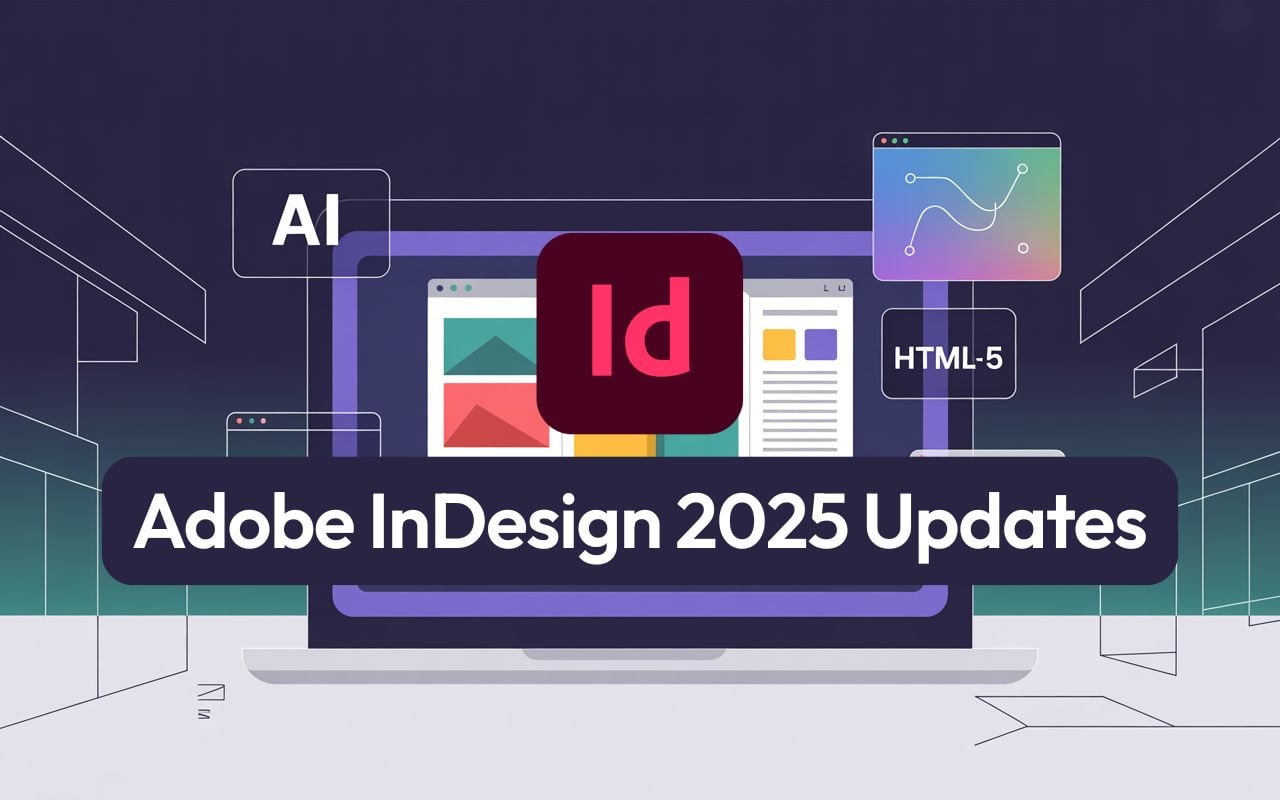
Explore the latest Adobe InDesign 2025 updates, including AI image tools, Flex Layout, math support, HTML5 export, accessibility, and pro workflows. See how designers, marketers and publishers can take advantage of new features, plus expert tips and training from Nexacu.
Discover all the latest Copilot features released in November 2025 for Microsoft 365, Power BI, and Teams. Learn actionable tips, advanced use cases, productivity hacks, and Australian business insights for maximising ROI and compliance.
Discover your organisation's GenAI readiness with our interactive assessment. Get insights on AI adoption, skills gaps, and actionable next steps for success.

Canva AI is transforming how Australians create visual content. With Magic Studio’s intelligent automation, teams produce professional designs in minutes, not hours. This guide covers tools, workflows, ROI, and training to help you design smarter, not harder.

On 30 September 1985 Microsoft launched Excel for Macintosh. Forty years later it remains Australia’s most requested data skill. This article maps Excel’s evolution, shows salary gains, and highlights the exact skills to learn with Nexacu training for fast, practical results.
at Nexacu, we're proud to be the trusted training partner for hundreds of leading organisations across Australia and New Zealand. From government departments to top corporates, we help teams upskill and succeed everyday










Students
4 & 5 Star Reviews
Google Reviews
Businesses Trust Nexacu

Custom workbook included with a step by step exercises




Learn with expert instructors, wherever you are


















Valued by Individuals
